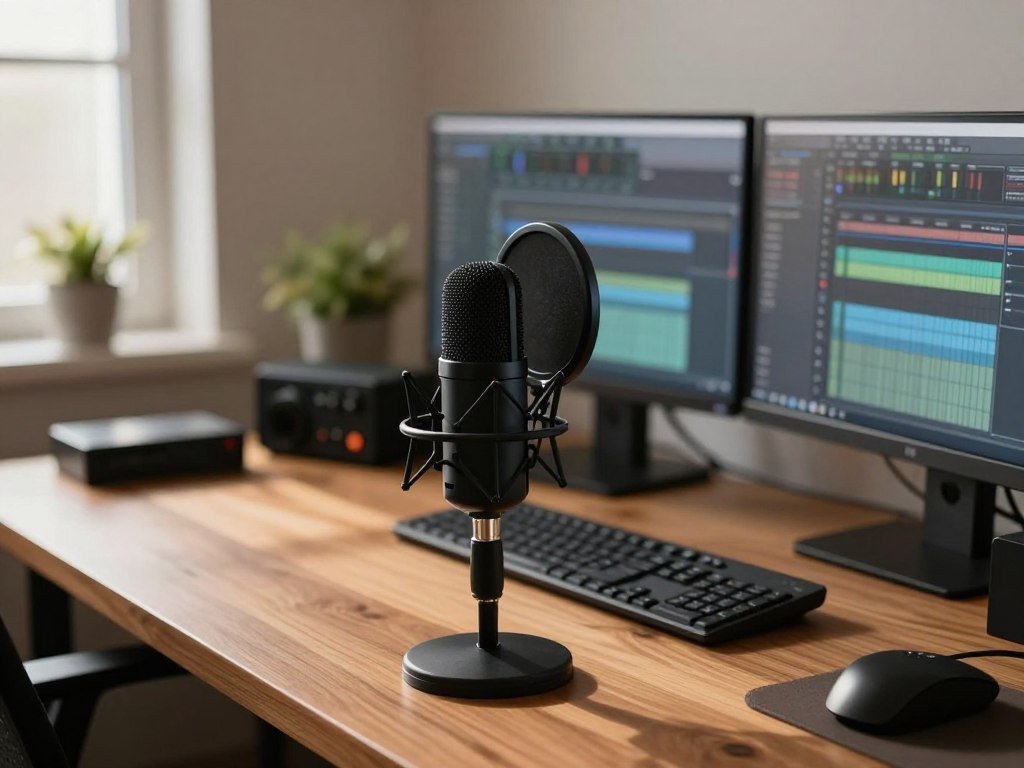
A clear recording starts with a microphone that suits your room and the way you plan to record. Your sound depends on more than the mic: the room, your workflow, and your budget all shape the choice. A cardioid pickup pattern is most sensitive to sound in front of the microphone and less sensitive to sound from the sides and rear.
You can connect directly to a computer with USB, build an XLR setup, or choose a hybrid mic that supports both. Wireless kits offer another route when you record on a phone or make video interviews. Each path can work well when it fits the way you record.
A modest setup that suits your space may serve you better than a costly mic that captures distracting background sound. This guide helps you weigh your options without assuming one model fits every voice or room. Choose for the setup you can use consistently, not just the microphone with the biggest reputation.
Key Takeaways
- Match the microphone to your room and recording style.
- USB offers a direct computer connection.
- XLR needs an audio interface, mixer, or recorder.
- Hybrid models support USB and XLR workflows.
- Wireless kits can suit phone interviews and video.
- Leave room in your budget for any gear your setup needs.
How do USB, XLR, and hybrid connections compare?
A USB connection is the easiest starting point if you want to record directly to a computer. USB microphones connect without a separate audio interface, and many can record podcast-quality audio. An XLR microphone routes through an interface, mixer, or recorder before reaching your computer.
USB is the simplest direct-to-computer path; XLR adds a separate piece of gear, while hybrid gives you both options. The right connection depends on how much control and flexibility you want. The table shows what each route needs.
| Connection type | What plugs into what | Extra gear needed | Best fit |
|---|---|---|---|
| USB | Microphone to computer | None for connection | First setup, direct recording |
| XLR | Microphone to interface, mixer, or recorder | Interface, mixer, or recorder | Expandable recording setup |
| USB/XLR hybrid | Microphone to computer by USB or to gear by XLR | None by USB; interface, mixer, or recorder by XLR | Flexible setup with two connection paths |
Before buying an XLR model, confirm that you have an interface, mixer, or recorder with the right input.
A USB microphone can be a lasting choice, not just a starter tool. It can keep your desk setup simple while you learn to record and edit. You can also choose an XLR route when you want to build around separate recording equipment.
A hybrid mic lets you change connection paths as your needs change. Its USB and XLR routes may involve different gear and steps, so check how you plan to record. Keep the computer, cable, and other equipment in mind when comparing each connection.
Best Microphones for Podcasting at Every Budget
For a first podcast, the Samson Q2U is a sensible value pick because it gives a beginner room to expand later. Its USB and XLR options make it practical for someone starting with a computer who may later add separate recording gear. The listed average cost is $70.
Price bands describe spending tiers, not guaranteed sound quality. A lower price can suit a focused setup, while a higher price may reflect different features or use cases. Think about the room, connection, and recording style before spending more.
| Model | Listed average cost | Broad price band | Intended buyer |
|---|---|---|---|
| Samson Q2U | $70 | Under $100 | Beginner |
| Audio-Technica ATR2100x | $50 | Under $100 | Beginner or mobile interview use |
| Blue Snowball | $45 | Under $100 | Simple USB recording |
| Audio-Technica AT2020 XLR | $99 | Under $100 | Quiet-room studio voice |
| Shure MV7X | $170 | $100-$199 | XLR setup |
The Samson Q2U fits a beginner who wants a clear path to try USB first and XLR later. That flexibility can matter when you are still shaping your workflow. It is a sound starting point for a first podcast, rather than a promise that one mic suits every host.
The Audio-Technica ATR2100x can fit both a beginner and mobile interview use. The Blue Snowball is a simple USB option, while the AT2020 XLR suits a quiet-room studio voice. These are different roles, so compare the intended use rather than treating the table as a sound-quality ranking.
Shure MV7X buyers are choosing an XLR setup, not a direct-to-computer connection. The price bands in the table cover under $100, $100-$199, $200-$499, $500-$999, and $1,000 and above. Set aside part of your budget for the connection gear your chosen model actually needs.
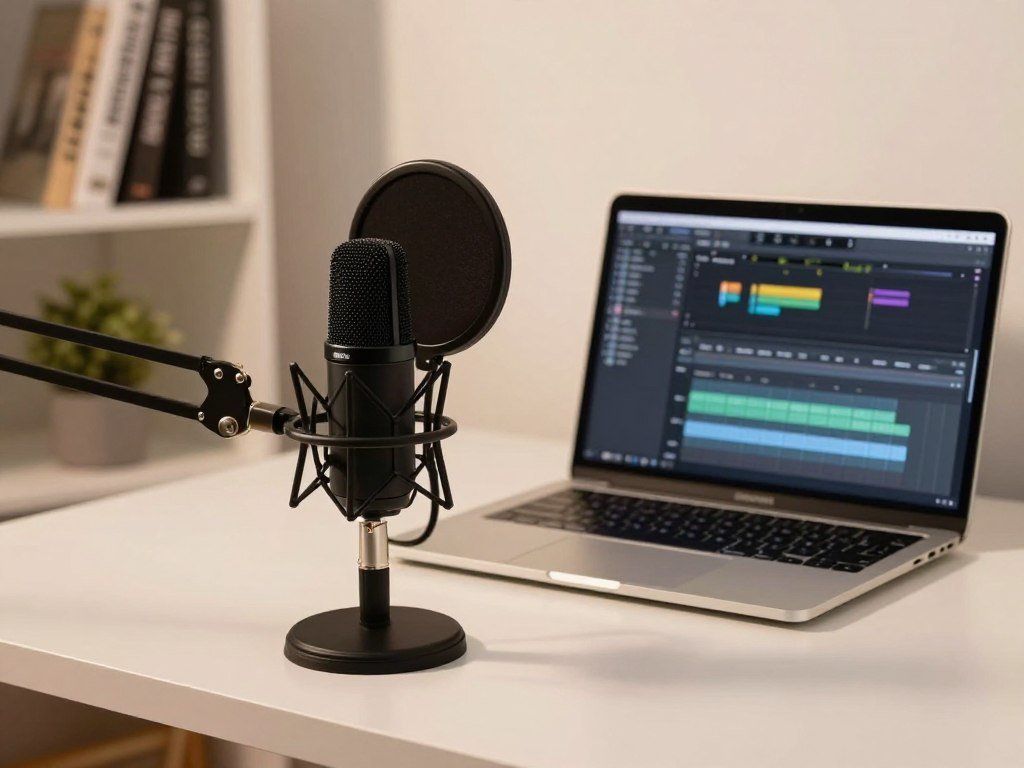
Which USB microphones suit a desk setup?
For a desk-based solo show, the Blue Yeti is a flexible USB option when you may need more than one pickup pattern. Its pattern choices let you change how it picks up sound when you change the recording arrangement. For one host, cardioid is the practical default.
Choose cardioid for a solo host unless your recording arrangement calls for another pattern. The original Blue Yeti offers multiple patterns, including cardioid, and was listed at around $130. The Blue Yeti X has four pickup patterns and was listed at $169.
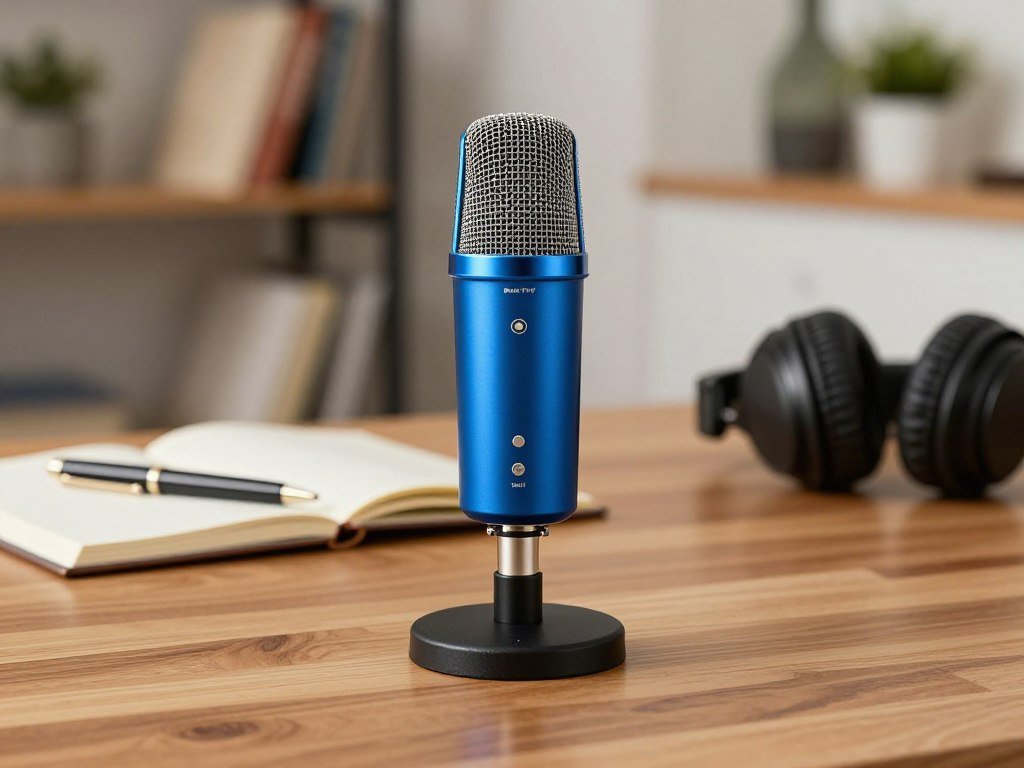
Blue Yeti and Blue Yeti X for pattern flexibility
The Blue Yeti can suit a desk where the recording arrangement may change. Different pickup patterns can fit different ways of recording, though they also affect how much sound enters the mic. A solo host can usually keep the mic on cardioid instead of switching patterns without a clear reason.
The Blue Yeti X has four patterns, a specific count that sets it apart from the original’s multiple options. Both connect via USB, so they work as direct computer choices. A pattern control adds flexibility, but you still need to pick the mode that fits the session.
Other desktop USB picks for simple recording
The Blue Snowball is a USB condenser with an average cost of $45. It is a straightforward desk choice for simple recording. The Rode Podcaster is a USB dynamic microphone with an average cost of $230 and needs no additional equipment to connect.
Those models serve different budgets and recording preferences, so consider which features you will use at your desk. A multi-pattern mic can support changing arrangements, while a simpler USB microphone may meet a fixed solo setup. Set the pattern deliberately before recording, since a multi-pattern control can capture more of the room when used carelessly.
What works best in a noisy room?
In a noisy room, start by reducing the sound reaching the microphone rather than relying on a software filter. A close, well-aimed dynamic microphone and a quieter recording position often help more than expecting electronic noise cancellation to repair a bad room.
No microphone or software setting can promise to eliminate background noise. The FIFINE K669B is noted for picking up ambient noise and keyboard sounds. The Audio-Technica AT2040 is a dynamic speech mic with a hypercardioid pickup pattern, which focuses more tightly than cardioid.
A cardioid pattern is most sensitive to sound in front and reduces pickup from the sides and rear. A tighter pattern can help limit unwanted sound, but it calls for steady positioning. If you move off its pickup area, your voice may change in level or tone.
The audio glossary explains cardioid and other pickup patterns in plain terms. These patterns shape what the mic hears; they do not erase sounds already reaching it. A nearby keyboard may still enter the recording, especially when you type during a session.
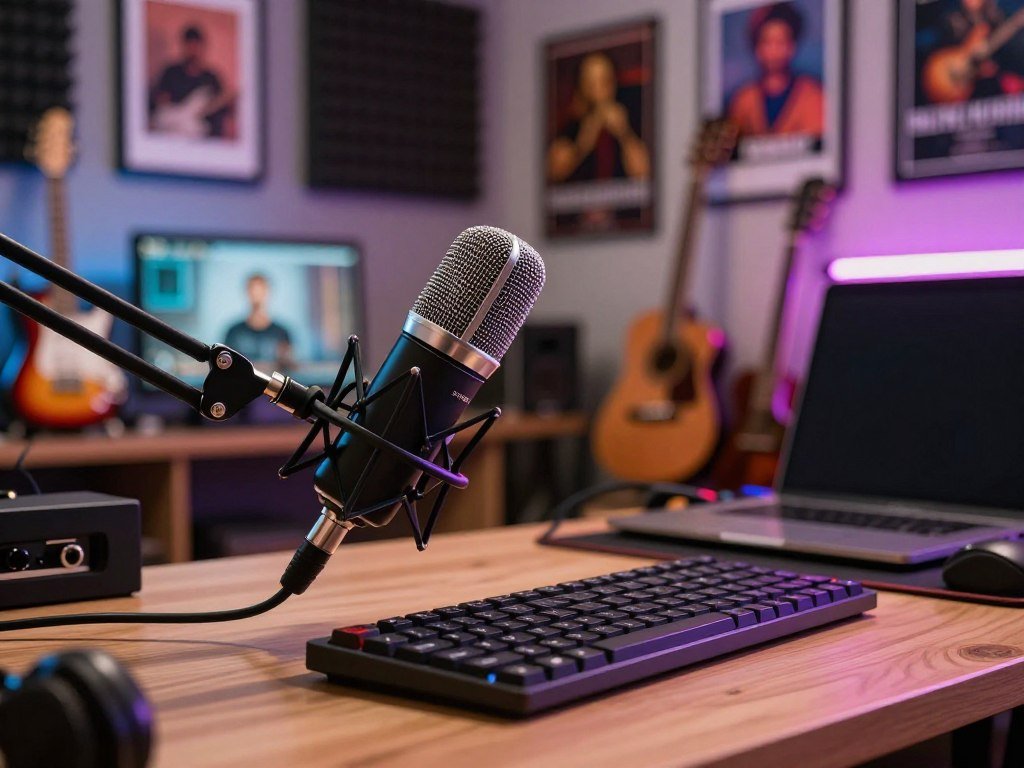
- Move away from the keyboard.
- Silence nearby fans or appliances where practical.
- Keep the mic aimed at the speaker.
- Record a short room test before the full session.
Try the checklist before turning to extra processing. If the voice changes noticeably as you move, test a wider pickup pattern or adjust your position before adding more processing.
Which wireless mic works with a phone?
For a phone-first interview, the Rode Wireless Micro is the most direct fit because its receiver plugs into the smartphone. The kit includes two wireless transmitters, making it useful for interviews and video with two speakers. Android and iOS versions are available.
The receiver connector must match your phone. The Android version uses USB-C, while the iOS receiver uses Lightning or USB-C depending on the phone version. Check the exact kit because the connector determines whether the receiver fits your device.
| Model | Connection | Phone compatibility | Strongest use case |
|---|---|---|---|
| Rode Wireless Micro Android version | 2 transmitters and phone receiver | USB-C | Phone interviews and video |
| Rode Wireless Micro iOS version | 2 transmitters and phone receiver | Lightning or USB-C depending on version | Phone interviews and video |
| Maono PD200W | 2.4GHz wireless/USB-C/XLR | Depends on the connected setup | Mobile-to-desk flexibility |
| Samson Q2U | USB/XLR | Direct computer or interface connection | Stationary or portable wired recording |
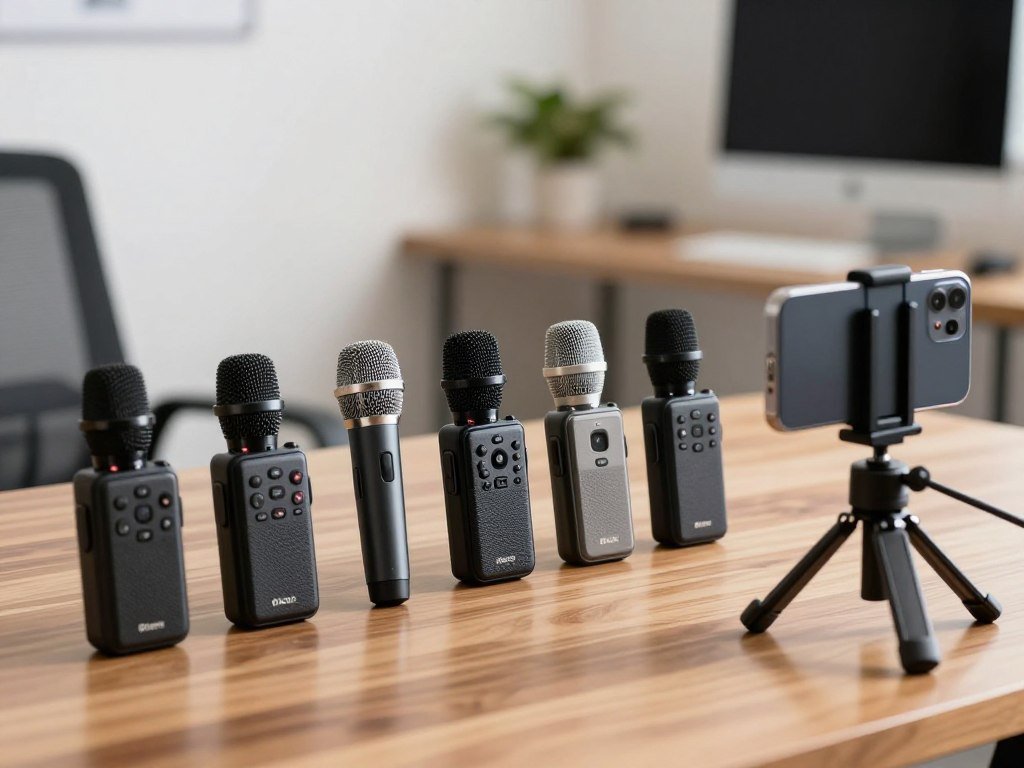
Wireless kits for phone-first recording
The Rode Wireless Micro keeps the receiver close to the phone, so the setup suits a creator moving around during a video or interview. Its two transmitters support recording two speakers. Choose the version that matches the phone connector rather than assuming every kit has the same receiver.
Wireless recording can make a moving interview easier than a fixed desk mic. It also adds a receiver and transmitters that you need to connect and check. A smartphone guide can help you compare phone features for recording or video use.
A wireless option that also connects by USB-C or XLR
The Maono PD200W supports 2.4GHz wireless, USB-C, and XLR, so it can join more than one kind of setup. Its battery is rated for up to 60 hours with RGB disabled. The rating applies to that setting, not every use of the mic.
The Samson Q2U offers wired USB/XLR recording rather than a phone receiver kit. It can suit stationary or portable recording where a wired connection works. Check the exact phone connector and kit version before recording on location.
A guide to choosing a smartphone can help you compare phone features for everyday use as well as recording.
When should you choose a USB/XLR hybrid mic?
Choose a USB/XLR hybrid if you want to start by connecting directly to a computer and keep an XLR route available. The two connection choices can support a change in equipment as your recording needs grow. They do not make both workflows identical.
A hybrid model gives you a choice of connection, not the same setup through two cables. USB can go straight to a computer, while XLR uses separate recording gear. Think through the workflow you want to use most often.
Entry-level hybrids for a first show
The Samson Q2U and Audio-Technica ATR2100x-USB are entry-level USB/XLR choices. The Q2U also has a headphone jack for zero-latency monitoring, which lets you hear the mic signal without a noticeable delay. That can help you monitor your own voice while recording.
Both models give a new podcaster a direct USB route and an XLR connection. You can use the path that suits your current gear, then consider the other route later. The connection options do not remove the need to understand the setup you select.
A hybrid mic for a setup that may grow
The Shure MV7 supports USB and XLR connections. The Shure MV7+ has USB and XLR outputs, plus an XLR input for connecting another XLR microphone. That extra input can matter when you want to connect a second mic through the same device.
A hybrid model can fit a changing setup, but its controls and connections still shape how you record. Decide whether you need direct computer recording, a separate XLR chain, or both over time. Confirm whether the specific model’s USB and XLR outputs serve your intended recording workflow before you buy.
Which condenser microphones fit voice recording?
Choose a condenser when your recording space is quiet enough to benefit from its detailed capture without making room noise distracting. A controlled room helps you keep reflections and room tone from competing with the voice. Condensers are not universally better for every speaker or space.
The XLR Audio-Technica AT2020 requires an interface or recorder with phantom power. The AT2020 also comes in a USB version, which avoids that XLR chain. The XLR model’s average cost is $99.
AT2020 for an interface-based recording chain
The AT2020 XLR suits a creator who already has a compatible recording chain or plans to build one. Its phantom-power need matters when selecting the interface or recorder. A condenser may capture room reflections more readily, so the space itself shapes the result.
The MXL990 is another XLR condenser option, listed at $70. It can suit a budget-conscious setup that already accounts for the XLR connection. Like other condenser choices, it may pick up more of the room than you want in a lively space.
USB-capable condensers for a quieter workspace
The Rode NT1 5th Generation can run bus-powered over USB, while XLR use requires phantom power. That difference changes what you need to connect it. A USB route can avoid adding an XLR interface just to supply the mic’s power.
Pick the connection that fits your workspace and recording chain, not a claim that one mic type always gives better sound. A quiet room gives you more room to use the condenser’s detailed capture. Check for phantom power before choosing an XLR condenser.
Which handheld dynamics handle mobile interviews?
For a face-to-face interview away from the desk, a handheld dynamic microphone is easy to place and pass between speakers. A handheld mic gives you a mobile option, unlike a fixed boom-arm setup. The Shure SM58 is an XLR dynamic mic with a built-in pop filter for close speech.
The Behringer XM8500 needs an audio interface to connect to a computer. The SM58 has a listed average cost of $99, and a USB version is also available. These options suit different recording setups, so choose based on how you will connect and handle the mic.
The Beta 58a and sE Electronics V7 use supercardioid patterns, which increase rejection of sound from the sides. Tighter side rejection can suit a specific recording position, but it makes alignment important. Keep the speaker well aligned with the mic as the conversation moves.
- SM58 for a handheld interview.
- XM8500 for a basic XLR dynamic setup.
- Beta 58a or sE V7 when a supercardioid pattern suits the recording position.
A handheld mic can move between speakers, but each person needs a clear way to speak into it. A fixed stand may be easier when the speakers stay in place, while handheld use can help in a more casual interview. Match the number of microphones to the number of separately recorded voices.
Are premium broadcast microphones worth the extra gear?
The Shure SM7B is the microphone Joe Rogan uses on the JRE, but it is not a plug-in-and-go choice. It connects by XLR and needs an audio interface. The mic was listed at approximately $350, and an inline gain booster may be needed.
The microphone price is not the full setup cost. An approximately $100 XLR audio interface is also part of the stated setup, and a higher-quality preamp may be needed to avoid hiss. The table compares the added equipment noted for these models.
| Model | Microphone price | Connection | Additional setup noted |
|---|---|---|---|
| Shure SM7B | Approximately $350 | XLR | Approximately $100 interface and possible higher-quality preamp |
| Telefunken M82 | Approximately $400 | XLR | Approximately $100 interface and pop filter |
| Heil PR40 | Approximately $330 | XLR | Approximately $100 interface and pop filter |
| Shure MV7X | Average $170 | XLR | Audio interface needed |
| Rode Podcaster | $230 | USB | No additional equipment to connect |
Well-known broadcast microphones and their setup costs
The SM7B may suit a host who wants a broadcast-style mic and has room for its extra gear. Its familiar JRE use does not make it a simple USB choice. The interface and possible gain support change the full price and setup.
The Telefunken M82 was listed at approximately $400 and needs an approximately $100 XLR audio interface and a pop filter. The Heil PR40 was listed at approximately $330, with an approximately $100 interface and a pop filter. Add those items when comparing the full chain.
XLR-only options for a simpler pro chain
The Shure MV7X is a dynamic XLR microphone with an average cost of $170. It still needs an audio interface to connect to a computer. The Rode Podcaster differs because it uses USB and needs no additional equipment to connect.
Higher-priced models are not an automatic fit for every room or workflow. Make sure the full chain suits your recording needs before paying for a premium mic. Compare the complete signal chain, including any gain support and interface, rather than the microphone price alone.
When is a shotgun mic better for podcasting?
A shotgun microphone can be useful when the speaker must stay in a narrow pickup area or the mic needs to sit outside the camera frame. That off-camera role can suit video recording where a visible desk mic would distract from the shot. It works best when the voice stays on axis.
A shotgun mic is less forgiving when the speaker moves off axis. The Audio-Technica AT875R is a shotgun microphone with an XLR connection. It was listed at approximately $160 and needs an XLR interface, pop filter, and phantom power in the stated setup.
The narrow pickup area can suit a carefully aimed voice position. It is not the easiest fit for a speaker who turns or shifts often. That movement can take the voice away from the mic’s strongest pickup area.
For video, a shotgun mic can remain out of frame while capturing speech from a fixed position. Its XLR connection means the recording chain needs compatible equipment and phantom power. Plan the mic’s position as part of the shot, rather than moving it freely during the take.
The Audio-Technica AT875R’s stated setup includes an interface, pop filter, and phantom power. Those needs matter alongside its approximate $160 price. Choose it only if the speaker can stay consistently aimed toward its pickup area.
What extra equipment does an XLR setup need?
An XLR microphone needs a way to connect its signal to the computer, usually an audio interface. The interface takes the mic’s signal and lets recording software receive it. A mixer or recorder can also connect XLR microphones to a computer.
Some condensers need phantom power, but not every XLR microphone does. The Focusrite Scarlett 2i2 has two XLR inputs and 48V phantom power. Those features can suit a setup with two microphones or an XLR condenser that needs power.
The interface that connects the mic to a computer
An audio interface is a common link between an XLR microphone and a computer. Check that it has a suitable input for the microphone and enough inputs for the speakers you record together. A mixer or recorder can serve as the connection point instead.
Phantom power supplies some condenser microphones through the XLR connection. The Scarlett 2i2’s 48V setting is one example of a power option on an interface. Do not assume every XLR mic needs it; check the needs of the model you choose.
Monitoring and mounting accessories
The XLR microphone is only one part of a usable setup. A cable, stable stand, and headphones help connect, position, and monitor the mic. Choose mounting gear that holds the microphone where you can use it comfortably.
- XLR cable.
- Interface, mixer, or recorder with a suitable input.
- Stand or boom arm.
- Headphones for monitoring.
The connection gear needs to suit the number of voices you plan to record at once. One input can handle one microphone at a time, while two speakers speaking into separate mics need two inputs. Verify the interface has enough inputs for every voice you plan to record at once.
How should you position a podcast mic?
Start with the microphone aimed at your mouth and close enough to make your voice clearly stronger than the room. Closer placement raises the voice relative to room noise, but the right distance depends on the mic and speaker. A common spoken-word distance is about 2-12 inches.
Keep the distance steady while you speak. One microphone test placed speakers 1.5-2 inches from the mic, but that is not a fixed rule for every voice or model. A pop filter or built-in protection can help with sharp bursts of air.
With more than one mic, spacing can help reduce bleed between speakers. The 3:1 rule of thumb places separate microphones at least three times the mouth-to-mic distance apart. It can help, but it does not guarantee that one voice will stay out of another mic.
Try this short placement check before recording a full conversation:
- Aim the mic at the mouth.
- Keep distance consistent.
- Use a pop filter or the microphone’s built-in protection.
- Place multiple mics apart and monitor for bleed.
Listen for clear speech, plosives, and changes in level as you speak naturally. A mic that sounds balanced only when you hold still may not suit your usual delivery. Record a short test while sitting in your normal speaking position before settling on the final placement.
What recording software and controls do you need?
A microphone captures the voice, but recording software is what turns that signal into a file you can edit. Audacity is a free recording and editing option; Apple users can use GarageBand. Adobe Audition is another recording and editing choice.
Both USB and XLR setups need recording software. A USB microphone still sends audio that the computer must record, just as an XLR microphone does through its interface. The software gives you a place to capture and edit the session.
Before recording, select the microphone or interface as the input in your software. A computer may have more than one available input, so check that your voice reaches the one you intended. Make a short test, then listen for a distorted or overly loud signal.
Start with a small test rather than recording a whole episode and finding a problem later. Speak at your normal level so the sample reflects how the show will sound. If the signal clips or breaks up, adjust the input level before continuing.
Save a backup copy of the recording after the session. A second copy gives you another version if the working file is changed or lost. Make a short test recording and confirm the correct input is selected before starting a full episode.
How do you match a mic to your show format?
Pick around the way the show is recorded: one host at a desk, several people in a room, or a host moving on camera. Your format affects how many microphones you need and where they can sit. A solo host can prioritize one close, stable voice position.
Multiple people in one room need separate mic inputs and clear placement. You can record local microphones through a mixer or a multi-channel USB audio interface. This lets each speaker use a separate mic channel.
For a solo show, focus on a position you can keep while speaking. A desk arrangement can also support a steady routine, whether you sit or stand. If you are adjusting your home workspace, a riser desk setup can help you change desk height without replacing the desk.
Remote interviews and in-room conversations have different needs. A mobile host may prefer a phone-friendly wireless kit, while a video creator may need a mic that stays outside the frame. Choose the format first, then check that the mic and its connection suit the way you record.
A 2026 article identifies the Neumann U87 as the microphone Arijit Singh uses for studio vocals. That is a studio-vocal example, not a default recommendation for podcasting. The Neumann U87 and Arijit Singh are associated with that studio use.
If more than one person speaks at once, plan for separate microphone inputs before choosing the model.
What should you check before publishing a test recording?
Listen to a short sample on headphones before recording the whole episode. A 30-second test can reveal a problem before you commit to a long session. Headphones can catch noise, plosives, or level changes that casual listening may miss.
Recording peaks around -12 to -6 dBFS are a useful starting target, not a rigid rule. That range leaves headroom for louder words. Listen at your normal playback level so you can judge whether the voice remains clear.
The audio glossary’s level guidance gives -12 dB to -6 dB as a useful interview range. Digital recording can clip when a signal goes beyond its limit, so leave space for a louder phrase. Do not chase a high meter reading at the cost of a rough sound.
Use this check before treating the sample as ready:
- Listen on headphones.
- Check for room noise and plosives.
- Confirm the voice is clear at normal listening volume.
- Leave headroom for louder words.
If you hear a problem, change one part of the setup at a time and record another test.
A headphone check can bring out small sounds that speakers or a quick listen may hide. Use the sample to decide whether the voice, room, and level work together. If you hear a problem, change one part of the setup at a time and record another test.
Conclusion
The right microphone is the one that fits your room, recording style, and workable budget. A practical choice should support the way you plan to record, not just look impressive on a desk. Keep the setup simple enough to use for every session.
Before committing to a full episode, check the connections your microphone needs and make a test recording. Listen for a clear voice and a steady level, then adjust one part of the setup if needed. Choose one setup, record a test, and adjust it until your voice sounds clear and consistent.
FAQ
What type of microphone does Joe Rogan use?
What is the 3:1 rule for mics?
Which mic does Arijit Singh use?
What kind of mics do podcasters use?
Which microphone is best for podcasts?
Why do podcasters use such big microphones?
Why is everyone using those tiny microphones?
Should I use headphones when recording a podcast?