A useful camera should show you what happened, alert you promptly, and fit the way you live. For U.S. homeowners and renters, the right choice depends on the room, the entryway, or the yard you need to watch.
The best home security cameras balance clear footage, useful alerts, easy placement, and control over recordings. A camera that works well at a front door may be a poor fit for a room with no nearby outlet.
You will find options for outdoor coverage, indoor rooms, subscription-free recording, and smart-home setups. We also cover power, image quality, privacy, and the rules that can affect recording people.
Start by deciding which areas need coverage and whether you want recordings kept at home or online.
Key Takeaways
- Match the camera’s power and mounting needs to its location.
- Check which alerts and recordings work without a monthly plan.
- Choose local storage or cloud storage based on how you access footage.
- Review privacy controls and audio rules before recording visitors.
- Test the live view and alerts from the final mounting spot.
How to Choose a Home Security Camera
Choose a camera by the job it must do, then check whether its power and recording setup suit that location. The right features depend on whether you need a clear view, fast detection, or privacy controls.
Security.org’s 2026 recommendations name SimpliSafe for burglar deterrence, ADT for a complete system, and Ring for DIY installation. They also name Wyze Cam for affordability, eufy Indoor Cam C120 for Apple HomeKit, and Swann SWDVK-445802V for local video storage.
Buy for the camera’s specific job, not for a long list of features you may never use. Check power, recording, and smart-home fit before you settle on a model.
Field of view, or FOV, is the width of the scene a camera can capture, usually expressed in degrees. A wide FOV can show more of a room, but walls, furniture, and placement still shape the view.
Match power and mounting to the location
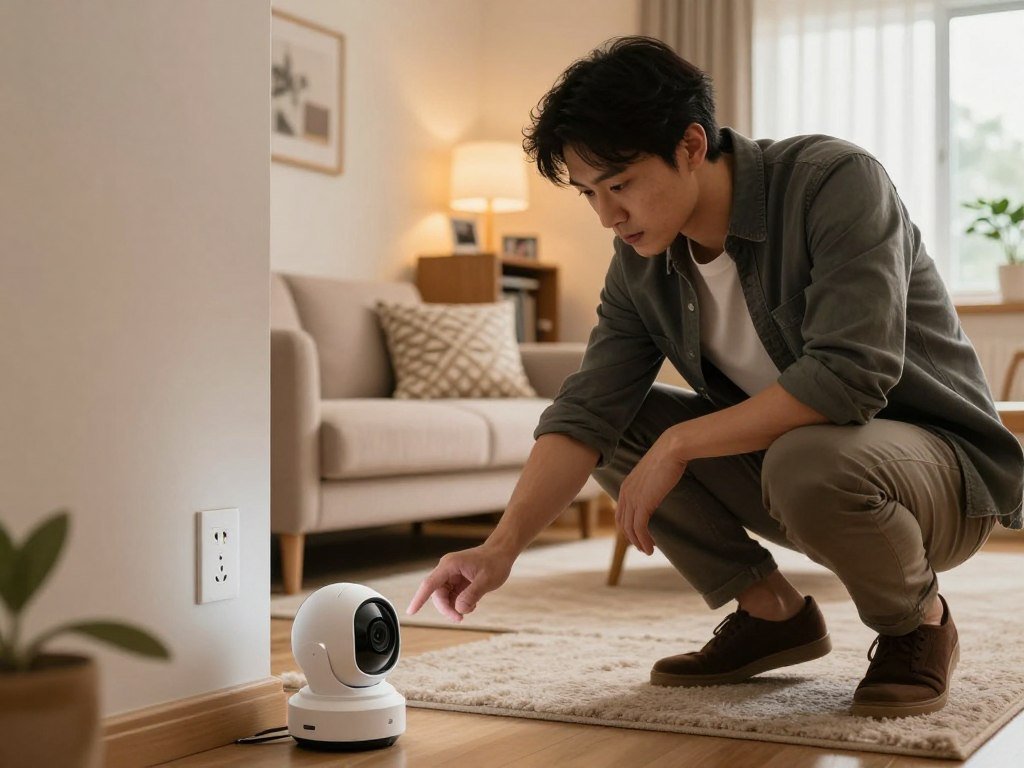
A plug-in camera needs an outlet close enough for its cord. Battery and solar models can reach farther from the house, while wired cameras may suit a fixed position.
Measure the area you want on screen before choosing a mount. A lens aimed through a window may capture glare instead of a useful view.
Set priorities for alerts and privacy
Detection features can separate people from general motion, but alert controls matter just as much. Activity zones let you focus alerts on part of the frame, such as a gate or walkway.
Use these five checks to narrow your options:
- Location and viewing angle
- Access to a reliable power source
- Local storage or cloud storage
- Useful detection and alert controls
- Compatibility with your smart-home devices
Compare these needs with the monitoring and installation choices in home security systems. Before comparing models, mark the exact area you need to see and note the nearest reliable power source.
Best Outdoor Security Cameras for Different Homes
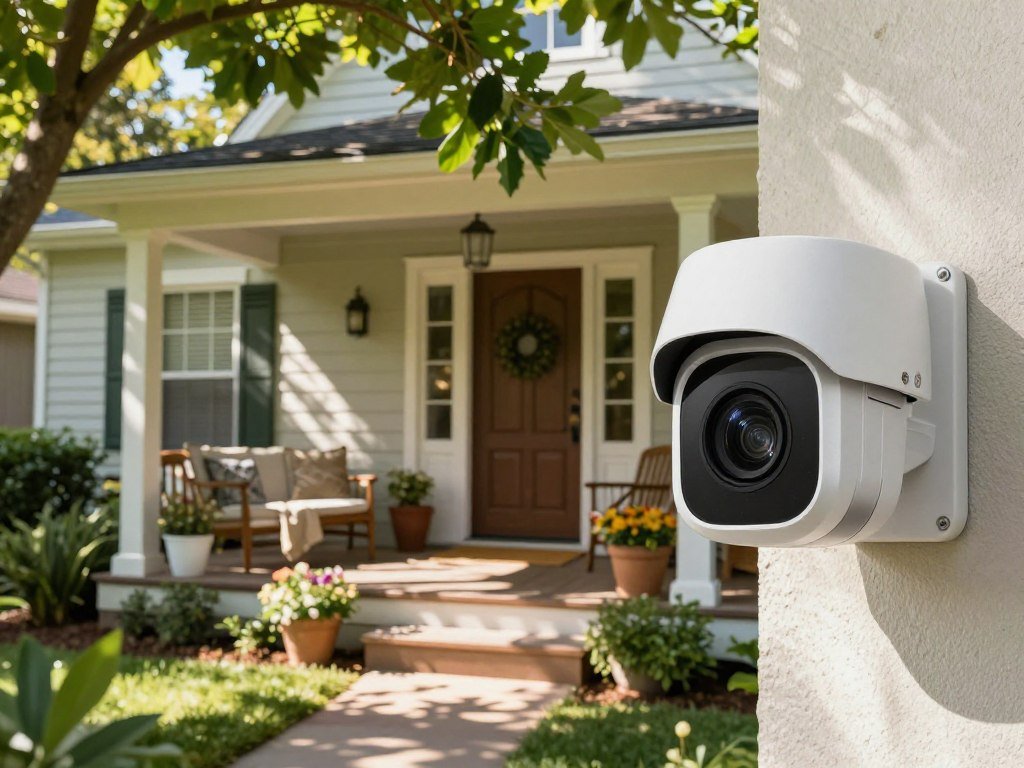
For most outdoor setups, the Eufy SoloCam S340 is the strongest all-around fit when local recording, solar power, and pan-and-tilt coverage matter. Its versatile setup suits yards where one fixed view may miss activity.
The best outdoor security cameras depend on whether you value solar-assisted power, a low upfront price, pan and tilt, or an integrated deterrent. The table compares four different approaches to outdoor security.
| Model | Resolution | Power or standout feature | Recording or subscription detail |
|---|---|---|---|
| Eufy SoloCam S340 | 3K | Battery, solar, dual lenses, pan and tilt | Local storage, color night vision, spotlight |
| TP-Link Tapo Wire-Free MagCam | 2K | Rechargeable battery, nearly year-long life | Local or cloud recording; free intelligent alerts |
| Arlo Essential Pan Tilt (2025) | 2K | Pan and tilt, color night vision, AI alerts | Recorded video and AI alerts require a subscription |
| Arlo Essential XL (2nd Generation) | Not specified | Spotlight, siren, intelligent motion alerts | Recorded video requires a subscription |
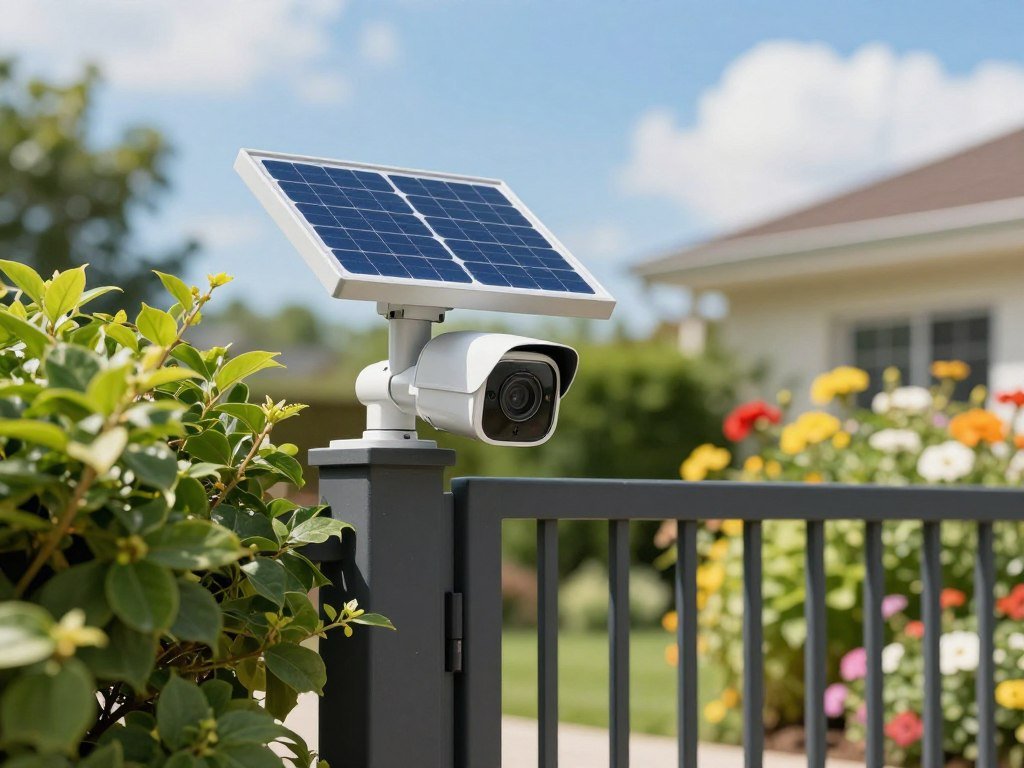
The Tapo Wire-Free MagCam costs $59.99 and records in 2K. It offers local or cloud recording, free intelligent alerts, and a rechargeable battery that can last nearly a year.
For affordable outdoor security cameras without a subscription, the Tapo MagCam is a clear option because it offers local recording and free alerts. Its $59.99 price is lower than the Eufy and Arlo models listed here.
The Arlo Essential Pan Tilt (2025) costs $44.99 and records in 2K, with color night vision and AI alerts. Its recording and AI-powered alerts require a subscription, and it has no local recording option.
The Arlo Essential XL (2nd Generation) costs $89.26 and adds a built-in spotlight and siren. It also offers intelligent motion alerts, while recorded video requires a subscription.
Buyers seeking the top five security cameras for a home should first decide whether they need outdoor coverage, since an indoor pick may not suit a yard. For outdoor use without a subscription, favor models with local recording and free alerts over a low camera price alone.
Confirm the camera’s recording terms before mounting it, since two Arlo models listed here require subscriptions to save footage.
Which Indoor Camera Fits Your Room?
For an indoor camera that supports Apple HomeKit, the eufy Indoor Cam C120 is the clear category-specific pick. Consumer Reports’ four indoor-camera picks share free local storage and plug-in power.
The best indoor security camera without a subscription is one whose free recording option meets your needs. A local recording feature does little good if it lacks the alerts or playback access you expect.
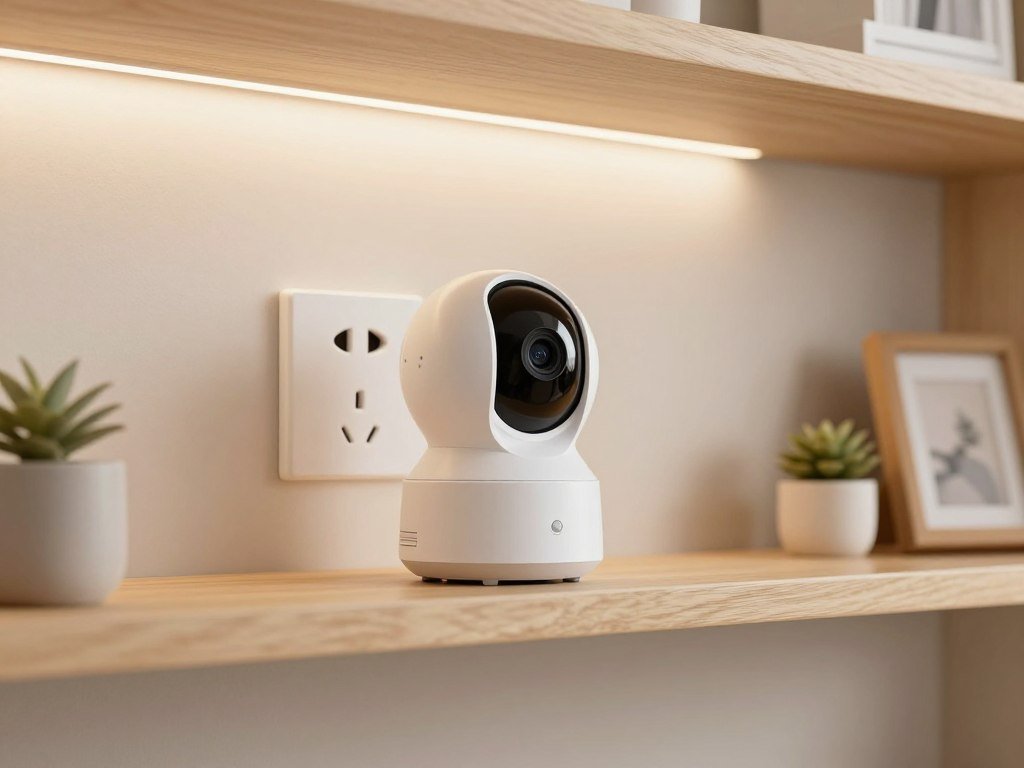
Check these four details before choosing an indoor cam:
- Whether an outlet is close enough for the cord
- Whether the camera records to local storage
- Whether it has a privacy shutter or lens control
- Whether its ecosystem works with devices already at home
A plug-in model can work well in a room where you want a steady view. It may be less useful in a hallway where a cord would cross a walkway or need an extension.
Some cameras let you close a physical shutter or turn the lens away when you are home. That control can matter when the camera shares space with family or guests.
The C120 fits homes that use Apple HomeKit, while the Consumer Reports picks offer free local recording. Check the recording limits and alert features before choosing a camera only because it avoids a monthly plan.
Place an indoor model where its power cable can reach without crossing a walkway.
Best Home Security Cameras Without a Subscription
A subscription-free camera is most useful when its free plan includes the recordings and alerts you actually need. Local storage can keep footage available without a monthly plan, but features vary by model.
For outdoor cameras without a subscription, check for local recording and free alerts. The TP-Link Tapo Wire-Free MagCam offers both, while its other outdoor features are best compared alongside outdoor models.
An affordable outdoor camera without a subscription should be judged by its upfront price and any extra hardware it needs. A camera may cost less at checkout but require a separate hub or storage device.
A general subscription-free pick should be judged by which recordings and alerts work without a paid plan. Some cameras keep motion alerts free but limit saved video or smart detection.
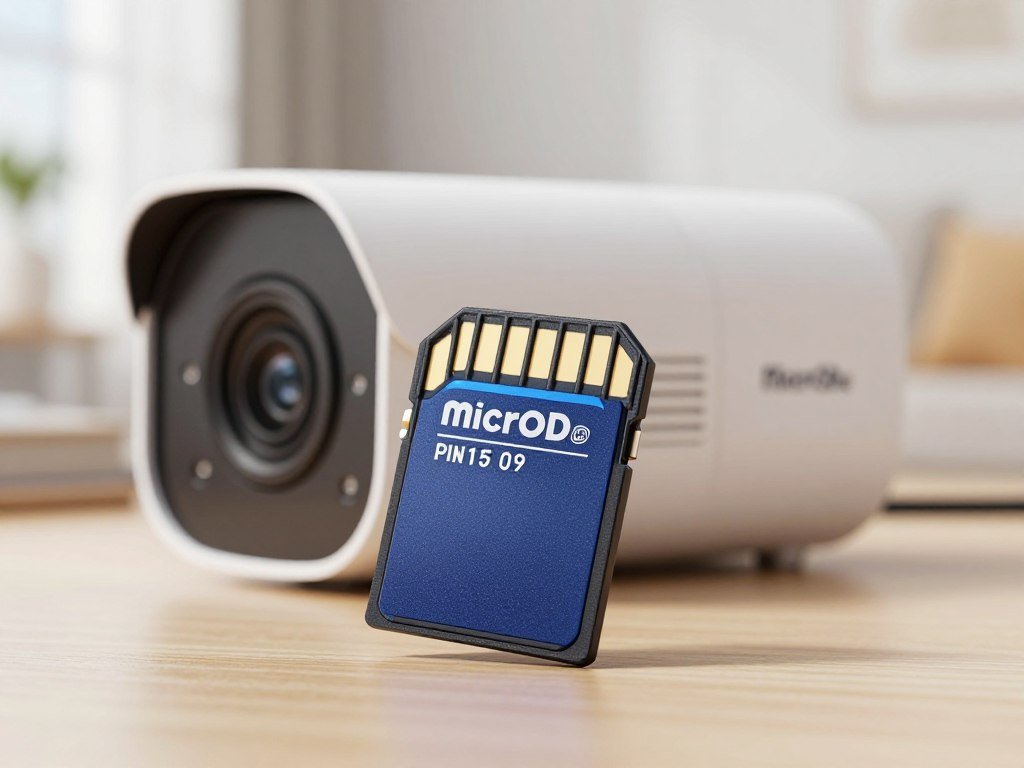
Eufy cameras support local storage options. TP-Link Tapo cameras can record to a microSD card, and the Tapo MagCam supports local and cloud recording.
A microSD card stores footage inside the camera, so it is a simple way to start. A card can leave with the camera if someone steals it, which makes a separate recording device useful in some homes.
A local hub can sit elsewhere in the house and connect to cameras. An NVR, or network video recorder, can save video from multiple cameras, while a NAS stores recordings on hard drives.
Those devices may add setup steps and hardware costs, so compare them with the camera’s free features. A cloud storage comparison can help you understand remote access and backup services beyond camera plans.
Check whether the included storage is enough for your recording schedule before buying a card or hub.
Blink vs. Ring: Which Brand Fits Your Budget?
Blink is the better fit for buyers prioritizing lower starting prices and subscription-free local storage, while Ring can suit buyers who want its rechargeable battery packs or professional monitoring. Both brands work with Alexa, and neither requires a monthly plan to use its cameras.
Their cloud storage plans and local recording terms differ. Blink cloud plans start at $3.99 per month, while Ring cloud plans start at $4.99 per month.
| Camera category | Blink starting price | Ring starting price |
|---|---|---|
| Indoor cameras | $29.99 | $49.99 |
| Outdoor cameras | $69.99 | $79.99 |
| Battery video doorbells | $69.99 | $99.99 |
| Floodlight cameras | $99.99 | $179.99 |
Blink has lower starting prices in all four categories, based on the listed prices. Your final cost can rise if you add recording hardware or choose a paid plan.
Compare starting prices and plans
Blink cloud plans start at $3.99 per month, and Ring cloud plans start at $4.99 per month. Ring’s Pro plan costs $19.99 per month and includes professional monitoring.
Professional monitoring is an optional service, not a requirement for using a Ring camera. Your choice should depend on whether you want a monitoring team, cloud recordings, or neither.
Check battery and local-recording tradeoffs
Blink battery cameras use two AA batteries, while Ring cameras use rechargeable battery packs. Blink supports subscription-free local storage through its Sync Module.
Ring local storage through its Alarm Pro base station requires an active subscription. Check the hardware and plan terms together, since the camera price alone does not show what local recording will cost.
Compare the cost of the base station or storage hardware as well as the camera price.
Are Wireless Cameras Easier to Install?
Wireless cameras are easier to place where an outlet or cable route is unavailable, but they still need dependable power and a stable connection. Battery or solar power can simplify placement, while wired systems may suit a permanent setup.
The best wireless home security cameras are battery-powered or solar-assisted models for locations without a convenient outlet. Battery charging and sun exposure still affect where you can mount them.
Consider these three installation situations:
- A renter who wants a removable mount
- A remote outdoor spot with reliable sun
- A fixed position with wired power and data available
Battery and solar models avoid some cable runs. Solar power depends on exposure, so a shaded wall may not suit a solar panel.
Power over Ethernet, or PoE, carries power and data over one Ethernet cable. It can reduce separate wiring, but the cable may need drilling and careful routing.
The Eufy S4 Max is a wired PoE system with four cameras and a 2 TB NVR. Its storage can expand to 16 TB, making it a fit for a fixed multi-camera setup.
A Wi-Fi camera still needs a power source unless it uses a battery or solar power. Wireless describes the connection, not the power supply, so check both before you buy.
Check the route from the camera to its power source or network before choosing a mounting point.
Which Camera Types Cover Doors, Rooms, and Yards?
A doorbell camera covers the threshold, while a floodlight camera is better suited to an outdoor area where both video and light are useful. Each type serves a different coverage need.
Indoor cams watch rooms, and outdoor cameras cover yards, driveways, or side passages. Spotlight and floodlight cameras add light where it can help you identify activity after dark.
Blink’s lineup includes Video Doorbell, Mini, Outdoor, Solaris, and Wired Floodlight Camera lines. Ring offers Video Doorbell, Indoor Cam, Outdoor Cam, Spotlight Cam, and Floodlight Cam categories.
These lineups show how one system can combine different camera forms. A doorbell can watch packages, while an outdoor model covers a gate beyond the porch.
Activity zones focus alerts on part of the camera’s field of view. You can mark a walkway or driveway and reduce alerts from a street or tree.
A wide view can capture more than you need, especially near a neighbor’s yard or shared space. Use the narrowest useful view and set activity zones around the areas that matter.
Choose each camera type for the specific area it can cover rather than buying the same form factor for every location.
Which Cameras Work With Your Smart-Home System?
The Aqara Camera Hub G5 Pro is a strong fit when a 2K camera and a smart-home hub are both useful. It costs $199.99 and has AI-driven motion detection and built-in video storage.
The G5 Pro also works as a Matter controller and Thread border router. Those functions can help connect smart devices, but they add setup steps.
Check these four points before buying:
- Supported voice assistant
- Apple Home or another preferred ecosystem
- Wi-Fi, PoE, or another connection type
- Whether hub functions help other smart devices
The G5 Pro comes in Wi-Fi and PoE versions. Its built-in storage and hub features may suit a home that already uses devices needing Matter or Thread support.
A hub feature helps when it solves a real connection problem. Do not pay for hub functions your home does not need, since they can make setup more involved.
Connected home tools can extend beyond cameras. A smart garage door opener can send open and close alerts through a phone app.
Review the PCMag hands-on review of the Aqara Camera Hub G5 Pro for its tested motion alerts and reported smart-home features.
Verify that the camera supports the specific devices and automations already in your home.
What Video and Night-Vision Features Matter?
A higher resolution can preserve more detail, but it cannot fix poor placement, glare, or a dark scene. Resolution and field of view describe different parts of video quality.
The Aqara Camera Hub G5 Pro records up to 2K at 20 frames per second and has a 133-degree field of view. The Baseus Security S2 records in 4K and supports a microSD card up to 256 GB.
FOV affects how much of a scene appears in the frame. A wider view can cover more space, but it may make a face appear smaller at the same distance.
Color night vision uses available light to show color at night. Infrared night vision uses infrared light to create a black-and-white image, which can work when the scene is very dark.
Glare, distance, and nearby lights can affect what the camera captures. The Baseus Security S2 uses a rotating solar panel, which can help its outdoor power setup.
Among these examples, 4K is the highest listed resolution, but that does not prove the Baseus has the best overall image quality. Alert accuracy and night lighting also matter.
Look for a sample image from both daylight and nighttime conditions before deciding whether the footage is detailed enough for your needs.
How Do Storage Options Affect Access to Footage?
The storage method determines whether your recordings stay on the camera, on a device at home, or on a remote service. Location matters when you need to find footage after an outage or theft.
Local storage can avoid recurring fees, but hardware failure or theft can take recordings with it. Cloud storage makes off-site access and backup convenient, but usually depends on a paid plan and internet access.
| Storage method | Where the footage lives | Practical tradeoff |
|---|---|---|
| MicroSD card | Inside the camera | Simple setup, but theft can take the card |
| Local hub | Separate device at home | Can connect wirelessly and expand storage |
| NVR | Recorder connected to cameras | Can store video from multiple cameras |
| NAS | Hard drives on a network device | Stores camera video on local drives |
A microSD card is easy to add, but it stays inside the camera. If someone takes the camera, the footage on that card can go with it.
A local hub can connect to cameras wirelessly and offer expandable storage. An NVR records from multiple cameras, while a NAS stores video on hard drives.
Local recordings need a backup if the footage is important, since a fire, device failure, or theft can affect equipment at home.
Cloud storage keeps footage off-site, but it can depend on internet access and a monthly plan. Compare those terms with the access and backup options you need.
Keep a second copy of important footage if losing the recording would leave you without needed evidence.
How Can You Protect Camera Privacy?
Protect the account and the video itself: a strong password cannot replace two-factor authentication or encryption. Both layers can reduce the chance that someone gains access to a live feed or recording.
End-to-end encryption limits video decryption to authorized devices. Two-factor authentication adds a verification step beyond your password.
Secure the account that opens the camera
Use a unique password for the camera account, then turn on two-factor authentication wherever it is offered. Keep the camera software updated to fix known security problems.
A password reused across apps can put the camera account at risk if another service is breached. A sign-in code or approval prompt adds another check before access.
Check what encryption protects
Aqara offers end-to-end encryption for locally stored video by default. TP-Link Tapo cameras lack end-to-end encryption, so check the privacy controls and access settings that apply to your model.
Encryption does not prevent every risk, such as someone using an unlocked phone or a weak account password. It protects video in a specific way, rather than making the whole system risk-free.
Turn on encryption and two-factor authentication when available, and make sure household members know how camera access is shared.
Review privacy and account-security settings after setup, rather than assuming every protection is enabled by default.
Where Can You Legally Place Home Cameras?
Keep home cameras out of bedrooms, guest rooms, and bathrooms, where people have a stronger expectation of privacy. Video and audio recording follow different rules.
At the federal level, video recording in public and on your property is generally legal, except in places with a greater expectation of privacy. State and local rules can add limits.
Video recording and privacy expectations
Do not point a camera into private rooms or spaces where visitors expect privacy. Fifteen U.S. states have specific laws about security cameras, and local rules can differ.
Guests, contractors, and other visitors may not expect to be recorded in private areas. A camera’s wide view can also capture more than the spot you intended to watch.
Audio recording and consent rules
Federal law permits recording a private conversation when at least one party consents under 18 U.S.C. 2511(2)(d). Some states require consent from everyone in the conversation.
California, Delaware, Florida, Illinois, and Maryland are examples of states with all-party audio consent rules. The Bureau of Justice Assistance’s overview of the Wiretap Act explains federal law and notes that state laws may set stricter standards.
Check current state and local law before enabling audio or recording visitors. Audio consent rules can be stricter than video rules, so do not assume one camera setting is lawful everywhere.
Check your state’s current audio-recording rules before enabling a camera microphone.
Which CCTV Brands Do Professional Designers Choose?
Hikvision led the global designer ranking, while Axis led the North American ranking. Professional selections show which brands appear in design projects, not which home camera suits every household.
The 2026 rankings use anonymized data from 335,627 cameras selected in 11,238 professional CCTV design projects during the first half of 2026. The global shares were:
| Global ranking share | Brand | Share |
|---|---|---|
| 1 | Hikvision | 23.2% |
| 2 | Axis | 13.7% |
| 3 | Hanwha Vision | 10.2% |
| 4 | Dahua | 9.4% |
Axis led the 2026 North American designer ranking at 20.6%. Hikvision accounted for 11.0% of selections in that region.
The global and North American leaders are different brands, so the ranking depends on which market you mean. The figures describe professional camera selections, not a consumer popularity vote.
Professional projects may have needs that differ from those of a home, such as many cameras or commercial systems. A ranking share does not tell you how easy a model is to install in a living room.
JVSG’s Q1-Q3 2026 global designer ranking reports the brand shares shown above. Treat professional market selection as one signal, then choose a home model based on its recording, installation, and privacy needs.
How Are Home Security Cameras Tested?
A useful camera test checks more than resolution: it also looks at alerts, detection, nighttime footage, and data protection. Separate measures can show how a camera performs beyond its listed features.
Security.org tested more than 100 security cameras and ran more than 250 simulated break-ins for its 2026 recommendations. Those tests can show whether cameras capture useful evidence during a staged event.
Image, alerts, and detection
Daylight and nighttime video checks reveal how lighting changes image detail. A face or plate that looks clear at noon may be hard to identify after dark.
Alert delivery time matters when you want to respond quickly. Person detection is a separate feature, since a camera may send motion alerts for cars, shadows, or pets.
Consumer Reports tests daylight and nighttime video quality, alert delivery time, and features such as person detection. These measures can help you compare cameras for the conditions you expect at home.
Privacy and data security
Consumer Reports evaluates 70 factors related to privacy practices and data security. That review considers how a company handles personal data, not just how sharp its video looks.
Each test has limits because a staged event cannot match every home, angle, or lighting condition. No single score guarantees real-world results, so compare the test areas that matter to you.
Compare testing categories that match your priorities, especially if nighttime coverage or privacy matters most.
What Should You Check Before Buying and Installing?
Before ordering, check the mounting spot, its power source, and the connection the camera needs. Physical fit can matter more than extra app features.
IP65 and IP67 are common ratings for dust and water resistance. They describe tested protection, but they do not make every camera suitable for every exposure or mounting setup.
- Confirm the camera is rated for its intended indoor or outdoor location.
- Check the available power and network connection.
- Set activity zones to reduce irrelevant alerts.
- Test the app and notifications from places you expect to use them.
PoE combines power and data over one Ethernet cable. It can suit a fixed camera when you can route the cable to the network.
Test the camera where you plan to mount it, not only on a table beside your router. A weak connection or blocked view can make a strong feature list useless.
Activity zones can reduce alerts from a street or moving branches. Confirm that the zone still covers the person or vehicle you need to see.
Try the app while standing in the rooms where you expect to check the camera. A clear live view and working alerts are the final fit test.
Test the live view and alerts at the final mounting position before relying on the camera.
Conclusion
The best choice is the camera that fits your home’s coverage, recording, and privacy needs, not the one with the longest feature list. A useful match also works with your available power and smart-home setup.
Choose the first location you want to cover, then shortlist models whose power and recording options suit that spot. Measure the first mounting location and check its power and Wi-Fi before choosing a model.
FAQ
Which type of camera is best for home security?
Is blink or Ring better?
Which brand of CCTV is best?
Which is the No. 1 security camera brand?
What are the top 3 camera brands?
Which camera is number 1?
Which camera has the highest quality?