Key Takeaways
-
Security and privacy features vary significantly.
-
Business storage needs differ from personal use.
-
Pricing structures range from subscriptions to lifetime deals.
-
Ecosystem integration simplifies daily workflows.
-
Scalability is vital for growing organizations.
Ever feel like your digital life is scattered across a dozen different devices? It is a common headache. You are not alone if you have spent hours hunting for a single file.
That is exactly why having 20 cloud storage providers compared is such a game-changer. Whether you are a freelancer juggling client assets or a business owner managing sensitive data, choosing the right platform matters.
At PraviCeler, we know that finding the right balance between ease of use and rock-solid protection is the secret to staying organized in 2026. Let’s walk through this together.
AI Overview
Cloud storage moves your files to remote servers, offering universal access and protection. When 20 cloud storage providers compared, you will find options ranging from consumer-friendly interfaces to robust enterprise cloud storage for massive teams. Key selection factors include zero-knowledge encryption for secure cloud storage, flexible cloud storage pricing comparison, and reliable cloud backup solutions.
Understanding Cloud Storage Basics
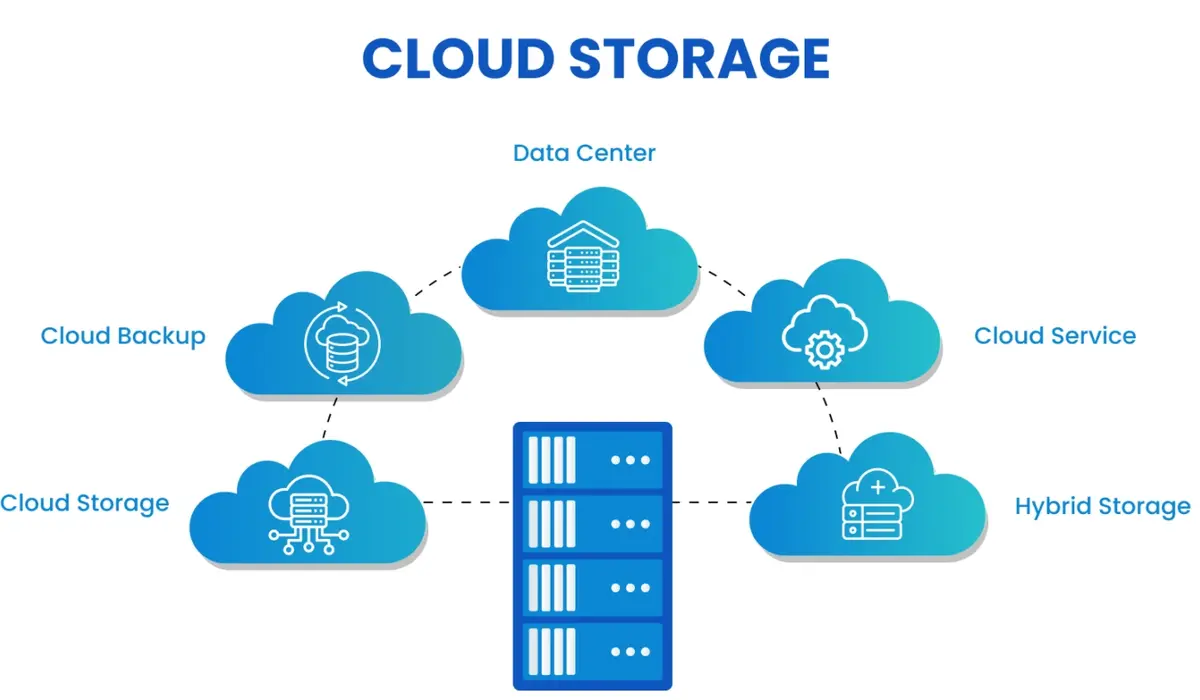
Cloud storage acts like a virtual hard drive that lives on the internet rather than your desk. It allows you to sync, share, and access your files from any device, anywhere.
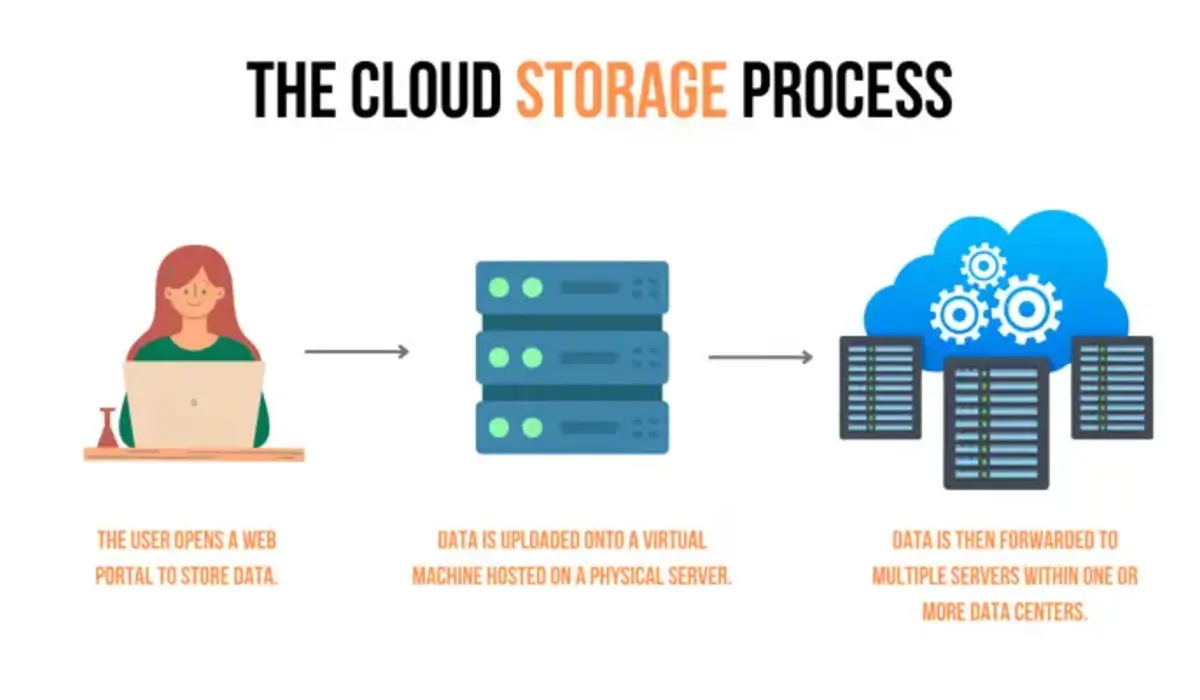
The main difference between standard storage and cloud backup solutions is the intent. Storage is for daily collaboration and access. Backup is your safety net for disaster recovery.
Think of storage as your active workspace. You want it to be fast, responsive, and integrated with the apps you use daily. Backup is your “break glass in case of emergency” vault.
The Evolution of Digital Storage
In 2026, the landscape is more competitive than ever. We have moved past simple file hosting. Modern providers offer AI-powered search, automated photo tagging, and deep integration with productivity suites.
Choosing the wrong service can lead to fragmented workflows. You want a provider that integrates with the tools you already use, such as Slack, Microsoft 365, or Google Workspace.
If you are a photographer, for instance, you might prioritize a provider that handles large RAW files without compressing them. If you are a coder, you might look for integration with your version control systems.
Comparing Top Cloud Storage Providers
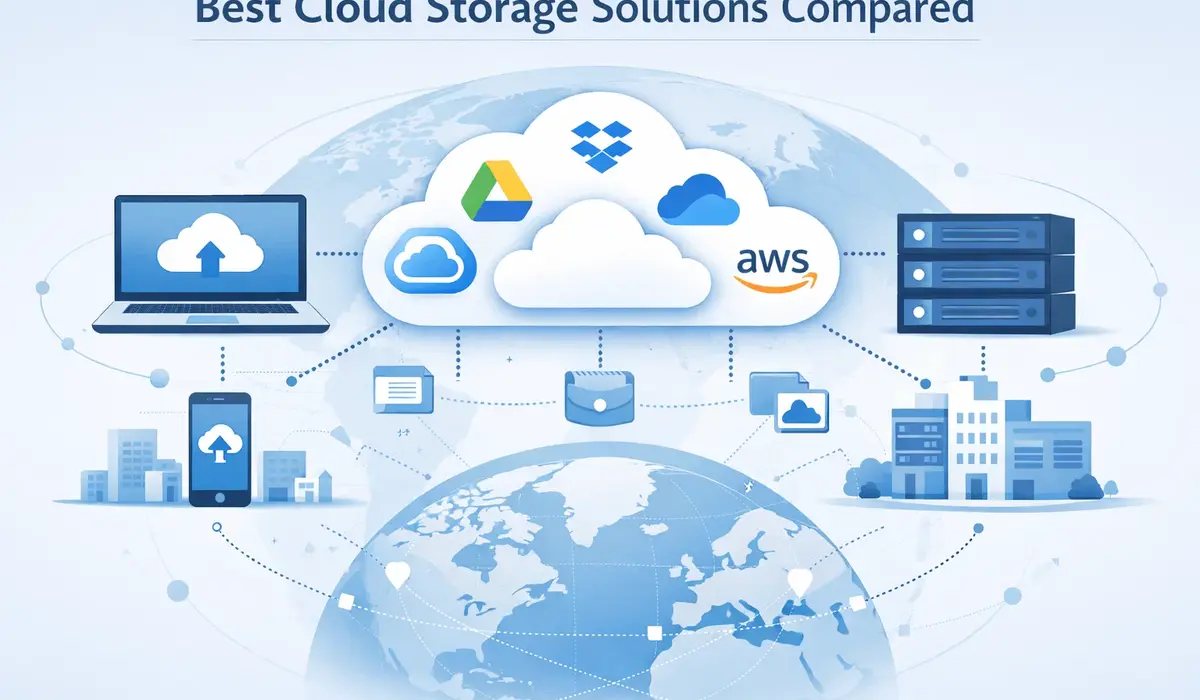
When you look at the market, the sheer number of options can feel overwhelming. To make this easier, we have broken down how these services stack up based on user needs.
| Provider | Best For | Standout Feature |
| Dropbox | Business Collaboration | Advanced file sync |
| Google Drive | Ecosystem Integration | Office suite integration |
| OneDrive | Microsoft 365 Users | Seamless Windows sync |
| pCloud | Lifetime Value | One-time payment option |
| Sync.com | Compliance | End-to-end encryption |
| MEGA | Privacy | 20GB free storage |
| IDrive | Automated Backup | Massive storage capacity |
| Tresorit | Regulated Industries | Zero-knowledge security |
| Internxt | Security | Open-source architecture |
| Backblaze | Unlimited Backup | Set-and-forget simplicity |
| Proton Drive | Privacy Focus | Encrypted ecosystem |
| NordLocker | Simple Encryption | Easy drag-and-drop |
| Box | Enterprise Ops | Workflow automation |
| Icedrive | Modern UI | Twofish encryption |
| AWS S3 | Cloud-Native Dev | Object scalability |
| Azure Blob | Enterprise Scale | Tiered cost model |
| Oracle OCI | Big Data | High-performance tiers |
| vBoxxCloud | European Privacy | GDPR/NIS2 compliance |
| SugarSync | Folder Syncing | Granular sync control |
| SpiderOak | High Security | Enterprise-grade privacy |
Why Personal Needs Differ from Business
For personal use, you might prioritize a user-friendly interface and photo organization. However, the best cloud storage for business often requires more robust admin controls and compliance features.
If you are handling client data, you absolutely need secure cloud storage that supports regulations like GDPR or HIPAA. Don’t just look at the price tag.
PraviCeler suggests checking if the service offers easy scaling as your data footprint grows. Nothing is worse than hitting a storage cap right before a major deadline.
Deep Dive: The Consumer Favorites
Let’s talk about the big names you see everywhere. There is a reason they are popular. Google Drive, for example, is almost impossible to avoid if you use Android or Gmail.
It is incredibly convenient, but is it the best for privacy? Not necessarily. If you value privacy above all else, you might want to look at Proton Drive or Sync.com instead.
These services prioritize your data security by default. They use zero-knowledge encryption, meaning not even the service provider can see your files. That is a massive peace of mind.
The Power of Integration
OneDrive is another titan in the space. If your office runs on Microsoft 365, it is a no-brainer. The way it integrates with Word, Excel, and Outlook is just smooth.
You can edit a document on your phone, then pick it up on your laptop exactly where you left off. It is the kind of friction-free experience we all want in our daily work.
However, if you are a Mac user, you might find the experience slightly less optimized. It is all about choosing the ecosystem that matches your hardware and software preferences.
Factors to Consider Before Choosing
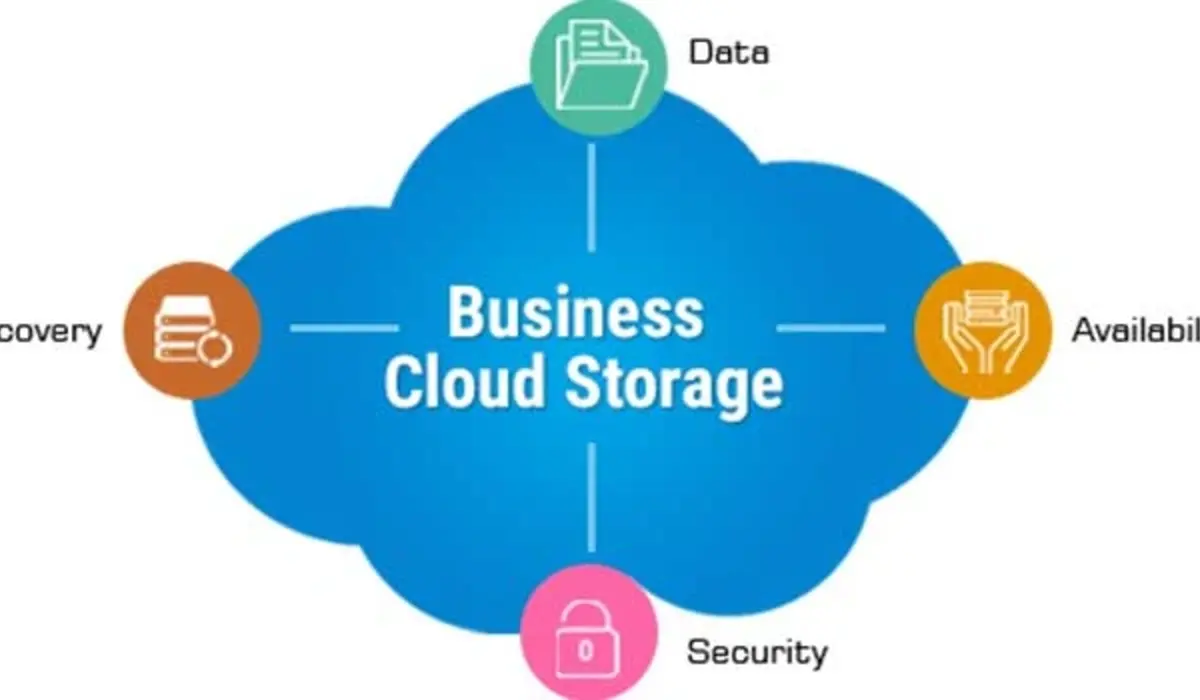
When you are evaluating your options, keep these practical points in mind. A secure platform is just the start.
-
Security Layers: Look for providers that offer zero-knowledge encryption so only you hold the keys.
-
Compatibility: Does it play nice with the apps you already use daily?
-
Syncing Speed: If you work with large video files, look for providers with fast selective sync.
-
Support: Is there 24/7 help available, or are you limited to email support?
-
Pricing Transparency: Watch out for hidden egress fees or request charges in enterprise tiers.
Finding Reliable Cloud Backup Solutions
Think of your storage as your digital insurance policy. Most cloud backup solutions are designed to run in the background, keeping a copy of your files safe without you lifting a finger.
Whether you need to recover an accidentally deleted file or restore a system after a crash, a reliable provider makes all the difference. Always test your recovery process periodically.
There is nothing worse than thinking you are backed up, only to find your recovery drive is corrupted or your files aren’t syncing correctly. Set a monthly reminder to check your backup logs.
Enterprise Cloud Storage Essentials
If you are running a larger team, enterprise cloud storage is a different beast. You need tools that allow for granular permissions, audit logs, and centralized management.
It is not just about space; it is about control. You need to ensure your team is compliant and that data access is managed through identity systems like Active Directory.
Why Enterprises Choose Scalable Storage
For larger organizations, the requirements shift from “how many photos can I save” to “how can I manage data sovereignty.” Many enterprises need to ensure their data stays in specific regions.
-
Scalability: Can you add 50 new users in a single afternoon without friction?
-
Granular Permissions: Can you restrict access to specific sensitive project folders?
-
High Availability: Does the provider guarantee 99.9% uptime or higher?
-
Compliance: Does it meet the specific data residency requirements of your industry?
-
Performance Tiers: Can you move cold data to cheaper storage to save costs?
The Economics of Data Storage

When performing a cloud storage pricing comparison, remember that the headline price per gigabyte is rarely the full story. Enterprise users should look at total cost of ownership.
Understanding Storage Tiers
Most enterprise providers use tiered models. “Hot” storage is for data you access daily. “Cool” or “Archive” tiers are significantly cheaper but charge fees if you need to pull that data back quickly.
Correctly mapping your data to the right tier is how you save thousands. Pravi Celer recommends auditing your usage every quarter to ensure you aren’t paying for “hot” storage on archived logs.
Don’t ignore the hidden costs of data movement. Some providers charge you when you download your own data. This is known as an egress fee, and it can catch you by surprise.
Privacy and Compliance in 2026
Data privacy is no longer just a technical detail; it is a legal requirement. If you are a business, you have to ensure you are meeting standards like SOC2 or ISO 27001.
Even if you are an individual, the amount of personal data we keep in the cloud is staggering. Financial records, health info, and personal photos are all living there.
Choosing a provider that respects your privacy is an investment in your personal security. Look for companies that have a clear policy on how they use your data.
Final Thoughts on Your Search
Finding the right cloud storage is about balancing your needs for today and your growth for tomorrow. You don’t need the most expensive plan, but you do need one that works.
Take the time to evaluate what you actually use. Are you paying for 2TB of storage but only using 50GB? That’s money you could be spending on a better tool.
Frequently Asked Questions
Which cloud storage is best for security?
Services like Tresorit, Sync.com, and MEGA offer zero-knowledge encryption, ensuring only you can access your files. This prevents unauthorized access to your private data by the service providers.
Is it worth paying for cloud storage?
Yes, if you need reliability, faster sync speeds, and professional support for your important files. Free versions are great for casual use, but they often lack the advanced sync and security features necessary for professional projects.
Can I use multiple cloud providers?
Absolutely, though it can become complex; many users keep work files on one and personal on another. Using multiple services can help you diversify your risk and take advantage of the specific strengths of different platforms, though it does require better file management.
Do these services offer free trials?
Most reputable providers offer a free tier or a trial period to test their features before buying. Always take advantage of these trials to test how well the desktop and mobile apps sync with your specific hardware setup before committing.
What is the difference between backup and sync?
Sync keeps files identical across devices, while backup creates a secondary, protected copy for disaster recovery. Sync is for convenience and collaboration, whereas backup is for long-term safety, ensuring your data survives even if your primary device is destroyed or compromised.