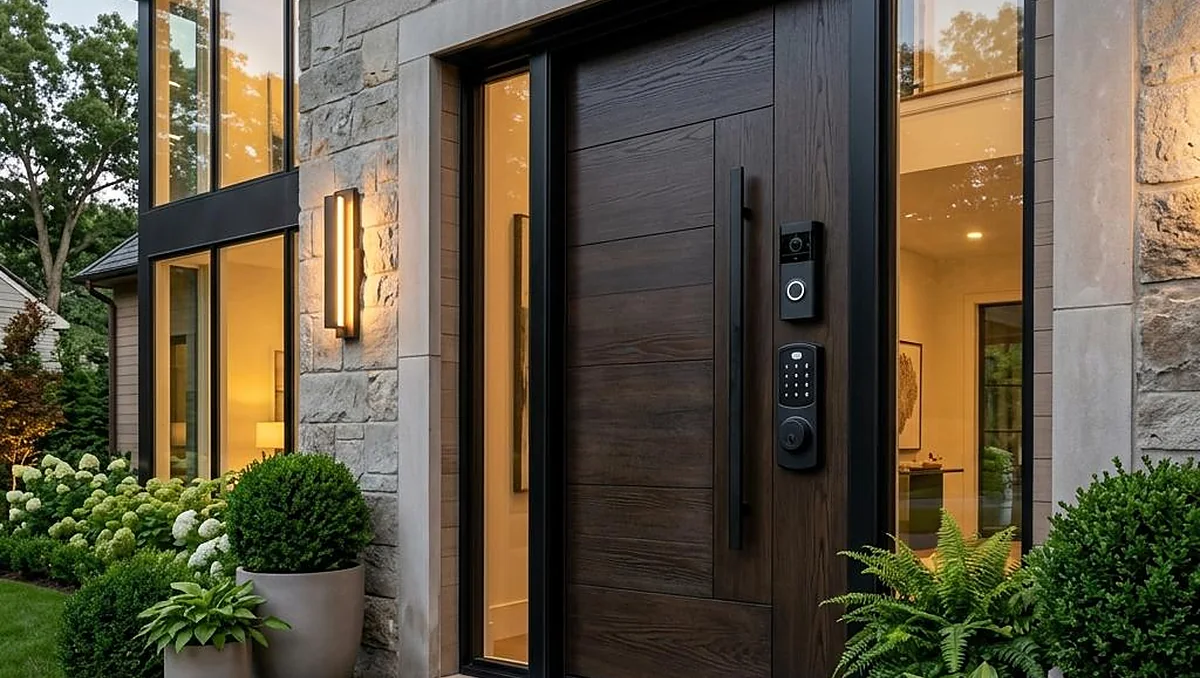
Imagine arriving home after a long journey, your hands full of shopping bags, and opening your front door without searching for a key. Or picture a friend arriving while you’re away and being able to provide temporary access without handing over a spare.
These are the everyday conveniences that make smart locks appealing. They bring digital access control to one of the most important parts of your home: the front door.
The best smart locks combine convenient entry methods with dependable physical security. Depending on the model, you can unlock a door using a PIN, fingerprint, smartphone, or digital key. Some also let you manage guest access, receive alerts, and check whether your door is locked while you’re away.
But not every smart lock suits every home. The right choice depends on your existing door hardware, preferred access method, smart-home setup, and budget.
Which Smart Locks Are Worth Considering?
Rather than choosing a lock based on appearance alone, compare how it fits your everyday routine. These five models offer different approaches to smart entry, from traditional-looking hardware to advanced biometric features.
1. Schlage Encode Plus
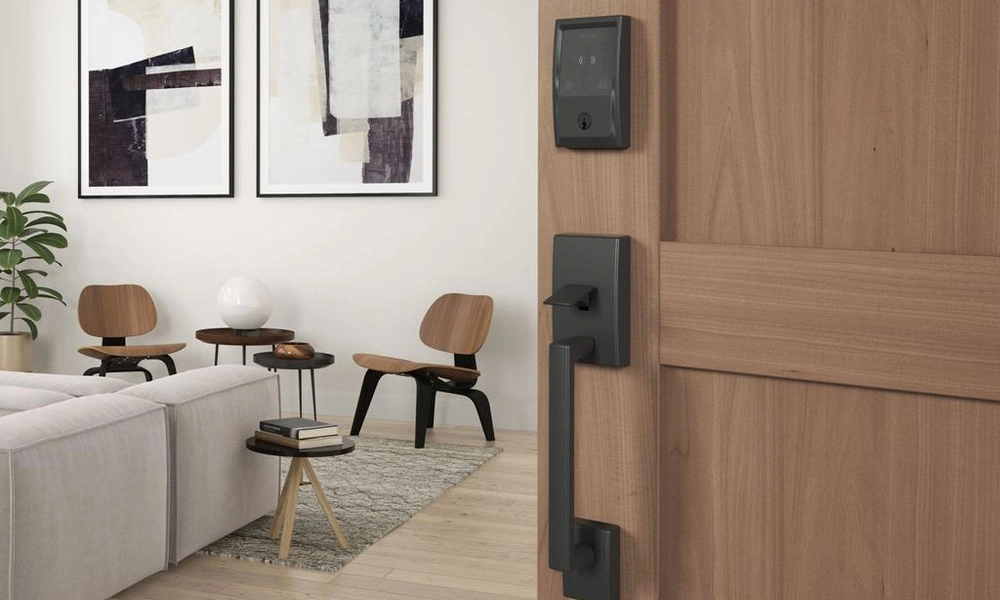
Best for connected homes and Apple users
The Schlage Encode Plus is worth considering if you want a connected deadbolt with built-in Wi-Fi and Apple Home Key support. Compatible iPhone and Apple Watch users can unlock the door by using a digital key, while the lock also supports keypad entry and remote management.
Its traditional deadbolt design makes it suitable for homeowners who want smart functionality without an unusually futuristic appearance.
Before buying, check your door measurements, the specific lock configuration, and compatibility with your preferred smart-home system.
2. Yale Assure Lock 2
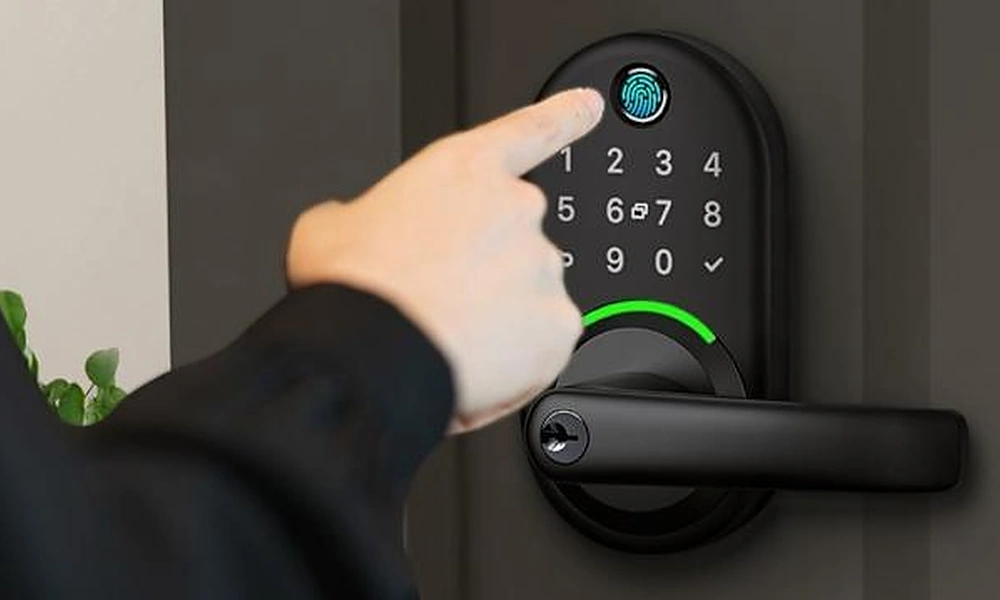
Best for flexible configurations
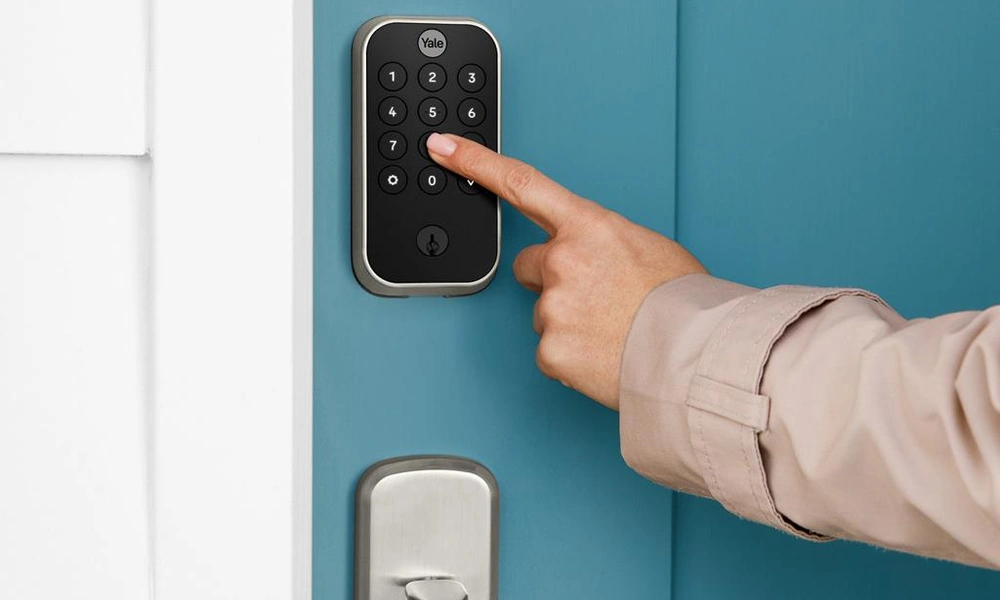
The Yale Assure Lock 2 family includes different models designed around keyless entry, connected access, and smart-home integration. Depending on the version, features may include a touchscreen keypad, smartphone control, automatic locking, and compatibility with additional smart-home modules.
Its understated design can work well with contemporary entryways, especially if you prefer hardware that blends into the door rather than becoming a focal point.
The important detail is to check the exact model. Connectivity, remote access, and digital-key features vary across configurations.
3. Aqara Smart Lock U50
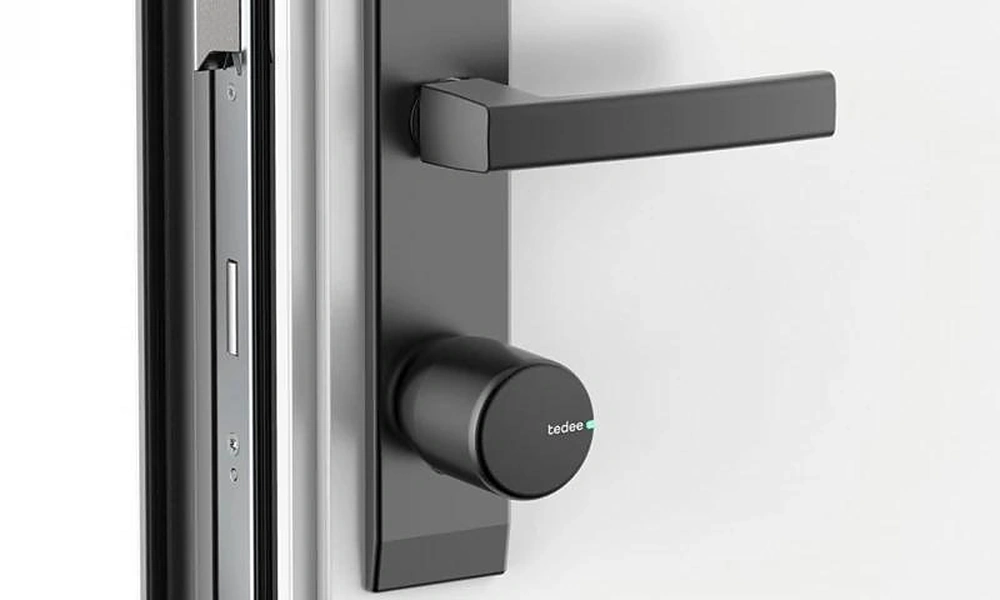
Best for practical keyless entry
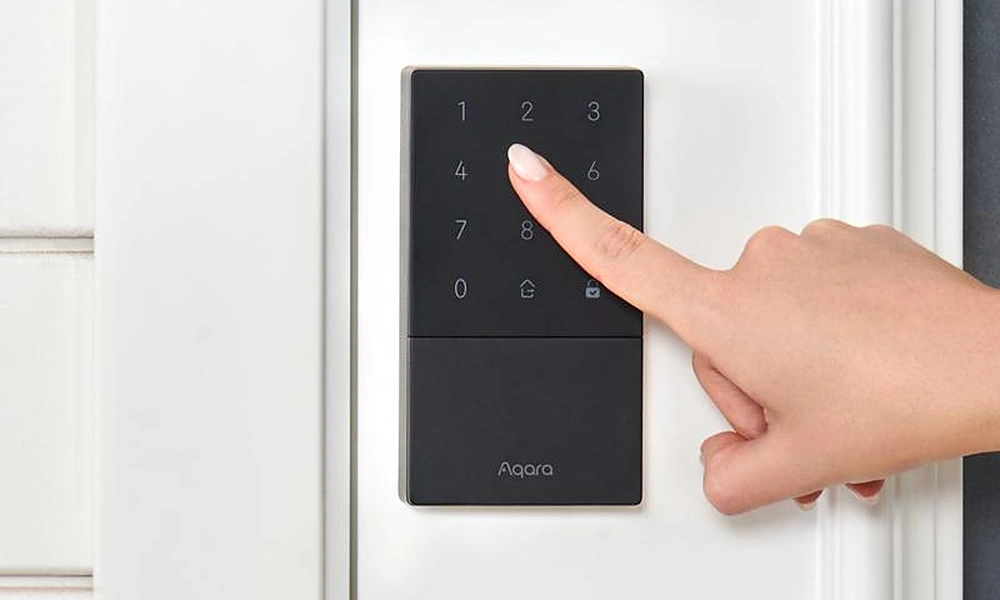
The Aqara Smart Lock U50 combines keypad access with connected features and a conventional key backup. It is a useful option for people who want to move beyond carrying keys without relying entirely on a smartphone.
Its design suits homeowners looking for a straightforward smart upgrade, although advanced integrations may depend on compatible equipment and configuration.
Check the supported smart-home platform, the availability of the model in your country, and the lock’s compatibility with your existing deadbolt setup.
4. Eufy Smart Lock Touch & Wi-Fi S230
Best for fingerprint access
Remembering a PIN isn’t always convenient, particularly when several family members use the same entrance. The Eufy Smart Lock Touch & Wi-Fi S230 offers fingerprint recognition alongside keypad entry and app-based functions.
It can be an attractive option for households that want multiple ways to enter without carrying a physical key every time.
Consider whether the fingerprint reader suits everyone who will use the lock, and review battery requirements, installation dimensions, and available backup entry methods.
5. Level Lock Pro
Best for minimalist design
Not everyone wants a large keypad or touchscreen on their front door. The Level Lock Pro takes a more discreet approach by placing its smart components within the lock mechanism.
It is designed for people who appreciate conventional-looking door hardware but still want connected access and smart-home functionality.
Some features require a compatible Matter-enabled smart-home hub or additional accessories. If remote access or keypad entry is important to you, include those potential extra costs when comparing prices.
How to Choose the Right Smart Lock
A smart lock should make life easier without introducing unnecessary complications. These are the details worth checking before you make a purchase.
Decide how you want to unlock the door
Different entry methods suit different households.
- Keypad: Useful for families, guests, and people who don’t want to carry keys.
- Fingerprint: Convenient for quick entry without remembering a code.
- Smartphone: Helpful for app controls, remote management, and digital keys.
- Smartwatch or digital wallet key: A convenient option for users with compatible devices and locks.
- Physical key: Provides a familiar backup when electronic access isn’t available.
Some locks combine several methods, which can be more practical than relying on one.
Check compatibility with your door
This is one of the easiest details to overlook. A smart lock designed for a standard deadbolt may not fit a sliding door, metal gate, or unusual door configuration.
Before ordering, check your door thickness, backset, deadbolt dimensions, and available clearance around the handle. Also establish whether the product replaces the entire lock or attaches to the interior side of existing hardware.
If you’re renting, confirm that installation is permitted before making changes.
Understand connectivity requirements
Bluetooth, Wi-Fi, and smart-home protocols serve different purposes.
Bluetooth can be enough for local control when you’re near the door. Wi-Fi can enable remote access through an app, while Matter over Thread may provide smart-home integration when the necessary compatible equipment is available.
Read the product details carefully. A lock that advertises app control may not include every remote feature without a hub, bridge, or subscription.
Consider physical security and digital protection
A smart lock doesn’t automatically make a door more secure than a conventional lock. The quality of the deadbolt, strike plate, door frame, and installation still matters.
Look for credible security certifications appropriate to your region, and make sure the lock is installed according to the manufacturer’s instructions.
For connected features, use a strong, unique account password, enable multifactor authentication when available, and keep the lock’s software updated. If the product uses biometric data, review its privacy and data-storage policies.
Think about batteries and emergency access
Smart locks rely on power, so check how the model handles low batteries and what happens if the batteries are completely depleted.
Depending on the design, backup options may include a physical key, an emergency power connection, or another supported entry method. Keep the manufacturer’s emergency-access instructions somewhere you can find them.
If the lock will be used by children, older relatives, or frequent guests, choose an option that everyone can operate comfortably.
Smart Locks for Different Homes
The ideal lock depends on how you live, not just the technology you prefer.
For a family home: A keypad with individual access codes can simplify entry for household members and trusted visitors. Look for straightforward code management and useful locking notifications.
For a modern apartment: A discreet smart lock or compatible retrofit model may preserve the appearance of your door. Renters should check permission requirements and whether existing keys need to remain functional.
For frequent travelers: Remote status checks, temporary guest codes, and access notifications may be more valuable than advanced biometric features.
For a smart-home enthusiast: Compatibility with your existing ecosystem can make the lock easier to incorporate into routines, such as locking the door when you leave.
For a design-conscious homeowner: A minimalist lock can complement a carefully designed entryway without adding a prominent touchscreen or bulky exterior hardware.
Are Expensive Smart Locks Worth It?
A premium smart lock may offer better materials, more entry methods, advanced connectivity, or a more discreet design. Whether those benefits justify the cost depends on what you’ll actually use.
If you simply want to enter with a PIN and stop carrying keys, a basic keypad model may be sufficient. If you travel frequently and need remote access, spending more on reliable connectivity may make sense.
Remember to calculate the complete cost, including optional keypads, hubs, bridges, installation, and any recurring subscription fees. A lower-priced lock can become less attractive if essential features require expensive accessories.
The smartest purchase is the one that delivers the features you need without paying for functions that will rarely leave the settings menu.
Common Smart Lock Mistakes to Avoid
Before settling on a model, watch out for a few common mistakes.
- Buying before measuring: A lock that doesn’t fit your door is an expensive inconvenience.
- Assuming every feature is included: Remote access, smart-home integration, and keypads may depend on the model or additional equipment.
- Ignoring backup access: You need a plan for depleted batteries, unavailable phones, or connectivity problems.
- Choosing technology over security: A stylish interface cannot compensate for unsuitable hardware or poor installation.
- Forgetting other household users: The lock should be practical for everyone who regularly uses the entrance.
- Overlooking regional availability: Models, app features, and supported services may differ between countries.
Taking a few minutes to check these details can help you avoid a purchase that looks impressive online but proves frustrating in everyday use.
Frequently Asked Questions
Are smart locks safe?
They can provide dependable access control when the lock is well designed, correctly installed, and securely configured. Physical security and cybersecurity both matter.
Do smart locks work without Wi-Fi?
Many do. Keypads, fingerprints, physical keys, and some local Bluetooth functions can work without Wi-Fi, depending on the model.
What happens if a smart lock loses power?
The backup method varies by product. Check whether it has a physical key, emergency power connection, or another supported way to regain entry.
Can I install a smart lock myself?
Many models are designed for DIY installation, but compatibility and difficulty vary. Follow the manufacturer’s instructions or use a professional if the door hardware is unusual.
Are smart locks suitable for rental properties?
Some are, particularly retrofit models, but you should obtain any required permission and confirm that installation won’t interfere with existing hardware or lease conditions.
A Better Front Door Starts With the Right Choice
The best smart locks aren’t necessarily the most expensive or the ones with the longest feature list. They’re the ones that suit your door, provide the entry methods you need, and make everyday life more convenient without compromising sensible security practices.
For Apple users, the Schlage Encode Plus is worth exploring. The Yale Assure Lock 2 offers a range of configurations, while the Eufy S230 is an option for fingerprint entry. If appearance matters most, the Level Lock Pro offers a more discreet approach.
Compare the exact models, check compatibility, and think about how you’ll use the lock every day. That is a much better starting point than buying based on a flashy advertisement.
If you were upgrading your front door, which feature would matter most to you: fingerprint entry, a keypad, remote access, or a clean minimalist design?
Disclaimer:
This content is for informational and entertainment purposes only and reflects our personal opinions and experiences. We just love to write and share what we observe along the way.