A good gaming laptop doesn’t need to be the biggest, heaviest machine on the desk. But it does need the right combination of graphics power, cooling, display quality, and enough RAM and storage to keep up with the games you actually want to play.
The tricky part is that gaming laptops can look remarkably similar on paper. Two machines might both have an RTX 5070, for example, while delivering different real-world performance because of cooling and power limits. That’s why the graphics card is important, but it isn’t the only thing worth looking at.
If you’re shopping in 2026, these are the gaming laptops and categories worth considering.
The Best Gaming Laptops at a Glance
Best overall: Razer Blade 18 (2026)
Best premium gaming laptop: Razer Blade 16
Best portable gaming laptop: ASUS ROG Zephyrus G16
Best compact option: ASUS ROG Zephyrus G14
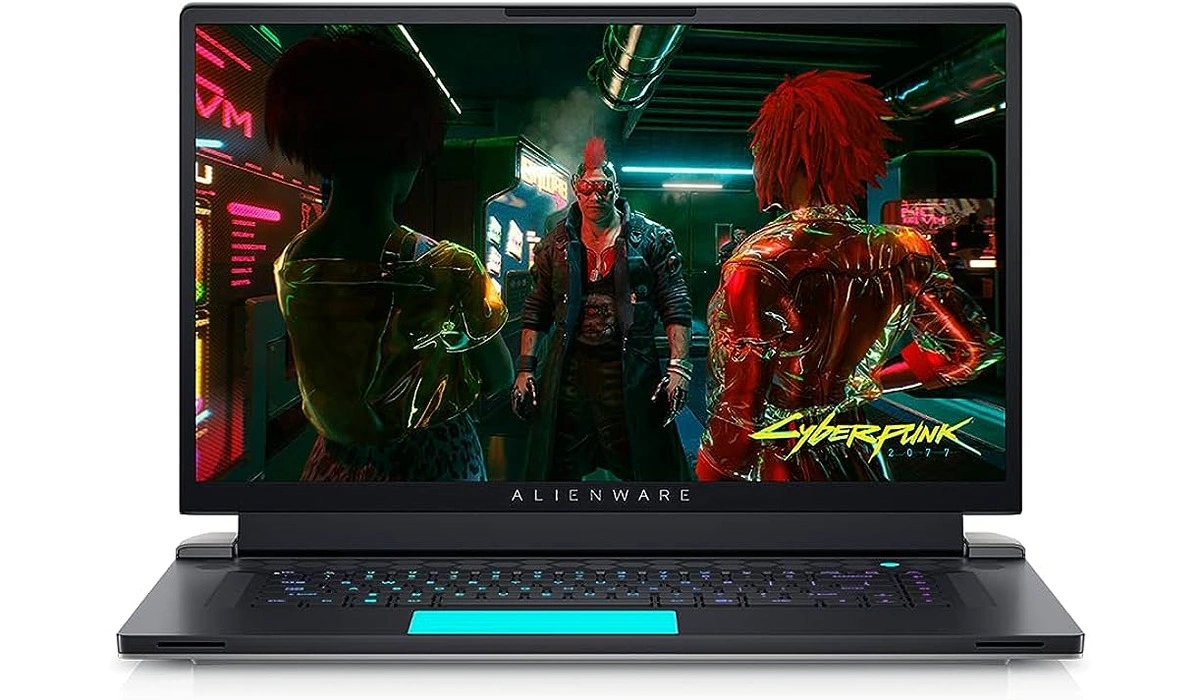
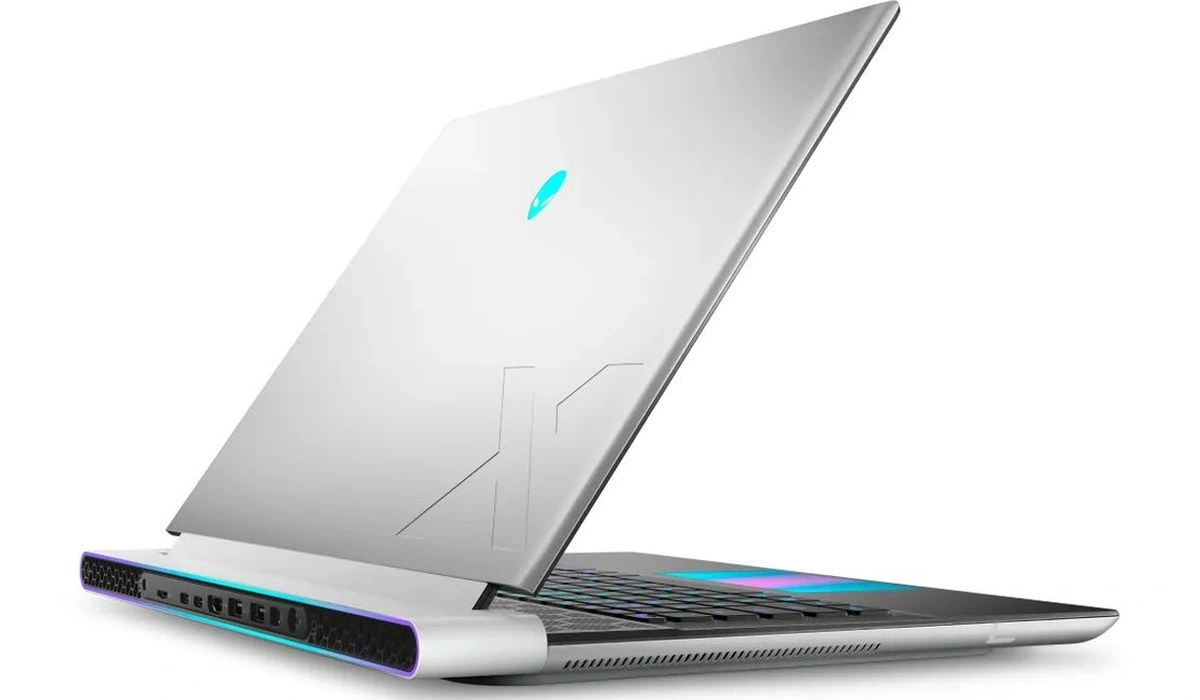
Best desktop replacement: Alienware 16 Area-51
Best for performance and value: Lenovo Legion Pro 7i
Best mid-range choice: Alienware 16X Aurora
Best budget option: MSI Katana 15 HX
Best Overall: Razer Blade 18
If money isn’t the main concern, the Razer Blade 18 is one of the most complete gaming laptops available right now.
Its appeal isn’t just raw performance. The 18-inch display gives you substantially more screen space than a typical 15- or 16-inch gaming laptop, while the 2026 configuration can be equipped with Intel’s Core Ultra 9 290HX Plus and an RTX 5090 laptop GPU. Its dual-mode display can also switch between a high-resolution 240Hz mode and a 1080p-class 440Hz mode.
Best for: Gamers who want maximum performance and a large display.
The catch: This is a big, expensive laptop. At more than 7 pounds in the tested configuration, it’s closer to a portable desktop than something you’ll casually carry around every day.
Best Premium Gaming Laptop: Razer Blade 16
The Razer Blade 16 makes more sense if you want serious gaming performance without going all the way up to an 18-inch machine.
It’s particularly interesting for people who care about the laptop itself as much as its benchmark numbers. The premium chassis, high-end display options, and RTX 5090 configuration put it firmly in the enthusiast category.
It also makes a better everyday laptop than many enormous desktop-replacement machines.
Best for: Gamers who want high-end performance in a more conventional size.
The catch: You’re paying a premium for the design and hardware.
Best Portable Gaming Laptop: ASUS ROG Zephyrus G16
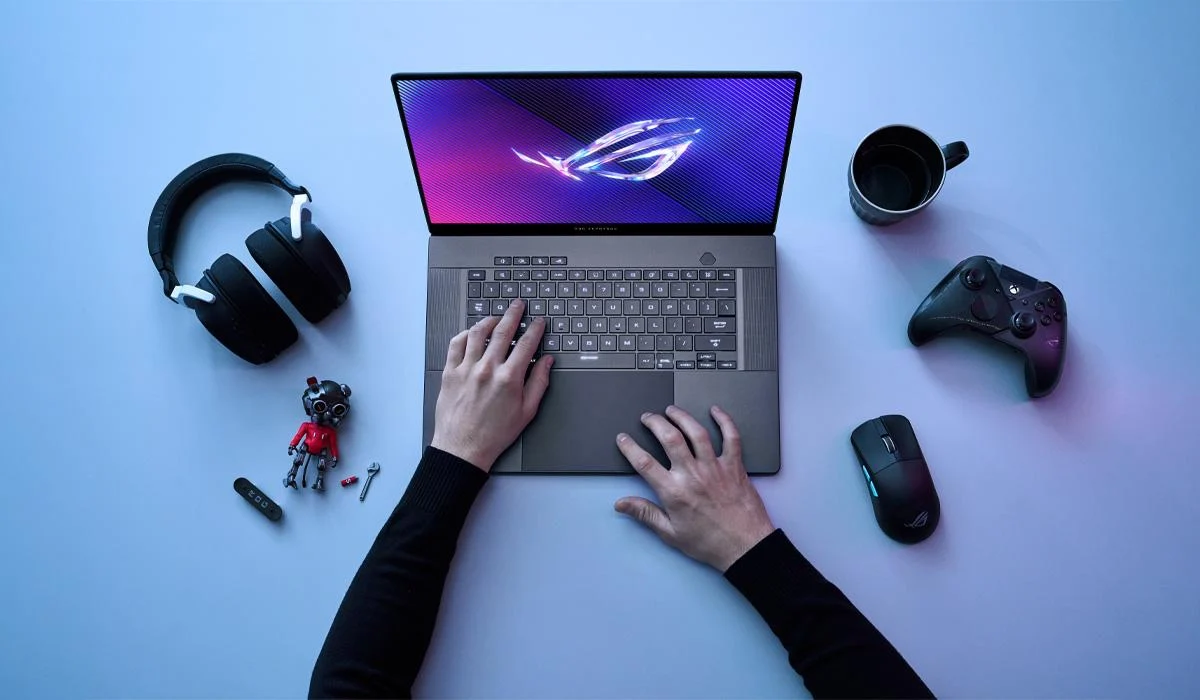
The ROG Zephyrus G16 is one of the more interesting gaming laptops if you actually need to carry your computer around.
The 2026 version combines a relatively slim chassis with an RTX 5080, a 16-inch OLED display, and a high-end Intel Core Ultra processor. Tom’s Guide also found dramatically improved battery life in its testing, although gaming away from the charger is still a very different story.
That’s an important distinction with gaming laptops: long battery life during web browsing doesn’t mean you’ll be playing demanding games for hours without plugging in.
Best for: Gamers, students, and creators who want one laptop for gaming and everyday work.
The catch: The high-end configurations are expensive.
Best Compact Gaming Laptop: ASUS ROG Zephyrus G14
Not everyone wants a 16- or 18-inch gaming machine.
The ROG Zephyrus G14 is a strong choice if portability matters. Despite its smaller 14-inch size, the 2026 model can be configured with an RTX 5080 and an OLED display. That gives it considerably more gaming power than its size suggests.
The trade-off is straightforward: a smaller chassis has less room for cooling and components than a large desktop-replacement laptop.
Best for: People who travel frequently but still want serious gaming performance.
The catch: Battery life while gaming remains limited, and powerful configurations aren’t cheap.
Best Desktop Replacement: Alienware 16 Area-51
The Alienware 16 Area-51 is built for people who don’t really care whether their gaming laptop feels portable.
Its RTX 5080 and Core Ultra 9 275HX configuration delivers excellent performance, while the machine includes a generous selection of ports and an optional mechanical keyboard. In testing, it handled demanding games at both 1080p and 2560 × 1600 resolutions.
The downside is exactly what you’d expect from that hardware: size and weight.
The tested machine weighs about 7.5 pounds, and its battery life isn’t its strongest feature.
Best for: Gamers replacing a desktop PC.
The catch: It’s heavy and not especially convenient for frequent travel.
Best for Performance and Value: Lenovo Legion Pro 7i
The Legion Pro 7i is worth considering if your priority is gaming performance rather than having the thinnest or most fashionable laptop.
This class of machine makes sense for buyers who want powerful hardware, strong cooling, and a high-refresh display without necessarily paying for the most extravagant flagship design.
It’s also a good fit for people who use their laptop for more than gaming, including video editing, 3D work, and other demanding workloads.
Best for: Gamers who want high performance without focusing entirely on portability.
Best Mid-Range Option: Alienware 16X Aurora
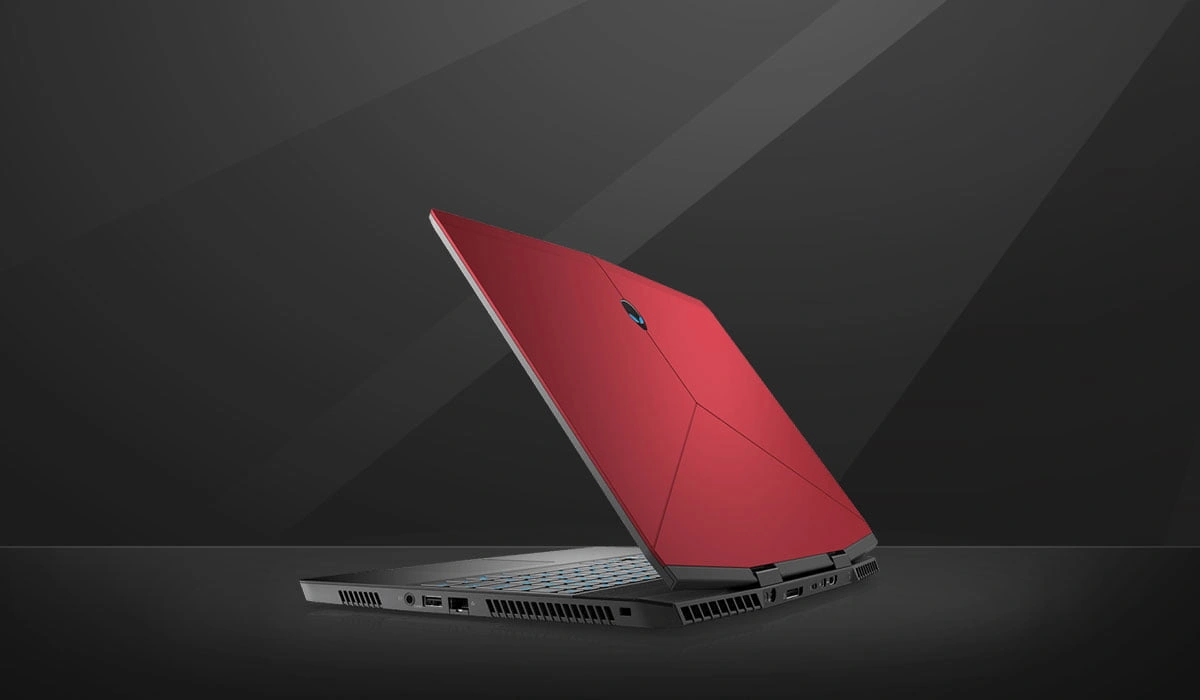
The Alienware 16X Aurora is an interesting middle ground.
The 2026 version can be configured with an RTX 5070 Ti and offers a 16-inch WQXGA OLED display with a matte, anti-glare finish. It also supports RAM upgrades, which makes the machine more appealing if you plan to keep it for several years.
It isn’t particularly light, but it offers a useful combination of display quality, performance, and upgradeability.
Best for: Gamers who want a premium display without jumping straight to flagship pricing.
Best Budget Gaming Laptop: MSI Katana 15 HX
You don’t need an ultra-expensive RTX 5090 machine to enjoy PC gaming.
The budget category is where it becomes especially important to shop based on the GPU and overall configuration rather than the brand name. The MSI Katana 15 HX is one of the models worth considering at the more affordable end of the market. Tom’s Hardware currently lists it among its budget gaming laptop recommendations.
For budget buyers, an RTX 5060-class machine can make considerably more sense than stretching your budget simply to get a premium chassis.
Best for: Gamers who want solid 1080p performance without spending flagship money.
What Actually Matters When Buying a Gaming Laptop?
A gaming laptop’s specification sheet can get overwhelming quickly. These are the specifications I’d pay attention to first.
Start With the GPU
For gaming, the graphics processor is usually the most important component.
In the current generation, RTX 5060 is a sensible starting point for mainstream 1080p gaming, while RTX 5070 moves into stronger 1440p territory. RTX 5080 is aimed at higher-end QHD and demanding settings, while RTX 5090 sits at the top of the range.
But don’t compare GPUs by name alone.
Laptop manufacturers can configure the same GPU at different power levels. A higher-powered RTX 5070 can outperform a lower-powered version of the same GPU, which means the laptop’s cooling system and total graphics power matter too.
Don’t Ignore the Display
A powerful GPU doesn’t help much if you’re staring at a mediocre screen.
Look for:
- At least a 120Hz or 144Hz refresh rate
- Good brightness
- High color coverage
- A resolution that matches the GPU
- Adaptive-sync support
- OLED if image quality is a priority
For competitive games, a very high refresh rate can be useful. For cinematic single-player games, resolution, contrast, HDR performance, and color quality may matter more.
16GB Is the Starting Point
For a new gaming laptop, 16GB of RAM is a reasonable baseline.
If you’re spending considerably more or plan to keep the machine for several years, 32GB is more comfortable, especially if you stream games, edit video, run multiple applications, or use demanding creative software.
Storage Matters More Than It Used To
Modern games can consume enormous amounts of storage.
A 1TB SSD is a much more comfortable starting point than 512GB if you plan to keep a large game library installed.
And if the laptop has an additional M.2 slot, that’s a useful bonus.
Cooling Is Part of Performance
This is one of the easiest things to overlook.
Gaming laptops generate a lot of heat, and sustained gaming can expose weaknesses that aren’t obvious from a specification sheet.
A laptop with excellent components but poor thermal management can struggle to maintain its performance over longer gaming sessions.
That’s another reason not to compare machines solely by their CPU and GPU names.
RTX 5060 vs. RTX 5070 vs. RTX 5080 vs. RTX 5090
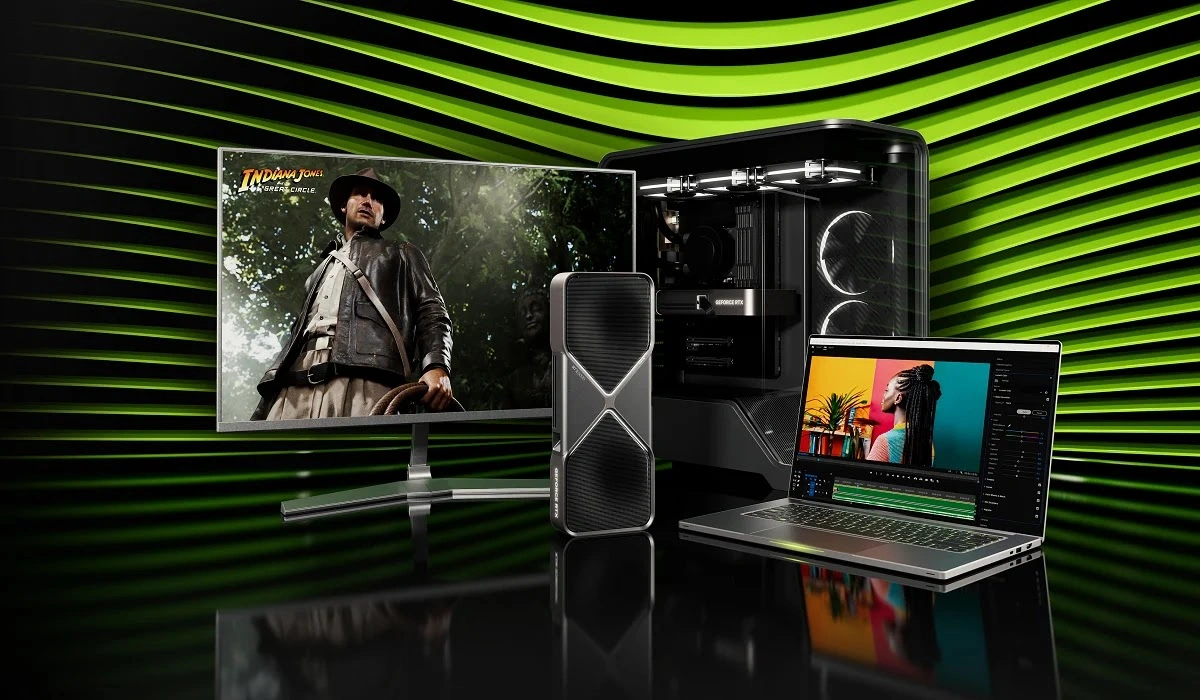
If you’re unsure how much GPU you actually need, think about it this way:
RTX 5060: Best starting point for mainstream 1080p gaming.
RTX 5070: A strong middle ground for higher settings and 1440p-class gaming.
RTX 5080: Makes sense for demanding QHD gaming and high-end configurations.
RTX 5090: The choice for people who simply want the most performance available and aren’t particularly concerned about price.
The RTX 5070 is especially interesting because it sits in the part of the market where performance and price can make the most sense. GamesRadar, for example, identifies the RTX 5070 as a particularly compelling value upgrade over the RTX 5060, while the RTX 5080 moves into a much more expensive class.
How Much Should You Spend?
There isn’t one magic price.
Instead, think about what you’re trying to play.
For casual and esports gaming: You don’t need a flagship machine. Prioritize a good 1080p display and a capable mid-range GPU.
For modern AAA games: Look toward the RTX 5070 class or better if you want higher settings and more headroom.
For high-resolution gaming: RTX 5080-class machines start to make more sense.
For maximum performance: RTX 5090 laptops are the obvious choice, but the jump in price can be enormous.
And remember that sales can change the equation. A discounted RTX 5080 laptop can suddenly become a much better purchase than a full-price RTX 5070 model.
Don’t Buy a Gaming Laptop Just Because It Has a Fast GPU
This is probably the most important thing to remember.
A gaming laptop is a system, not a graphics card with a keyboard attached.
A good purchase should have:
- A capable GPU
- Adequate cooling
- A good display
- Enough RAM
- Fast SSD storage
- A keyboard you actually like
- Enough ports for your accessories
- Reasonable weight for your lifestyle
If you’re never going to move the laptop, there’s little reason to pay a premium for an ultra-thin design.
On the other hand, if you’re taking it to school, work, or travel every day, a seven-pound desktop replacement may become annoying very quickly.
The Bottom Line
The Razer Blade 18 is one of the strongest choices if you want maximum performance and a huge screen.
The ASUS ROG Zephyrus G16 is more appealing if you want serious gaming power without carrying around a massive desktop replacement.
The Alienware 16 Area-51 makes sense when raw performance matters more than portability.
And for most buyers who don’t need the absolute fastest machine available, the RTX 5070 class is worth looking at before jumping to an RTX 5080 or RTX 5090. The GPU tier, power configuration, cooling, and display should all be considered together.
The best gaming laptop isn’t necessarily the one with the biggest number on the specification sheet. It’s the one that gives you the performance you need without making you pay for hardware you’ll never use.