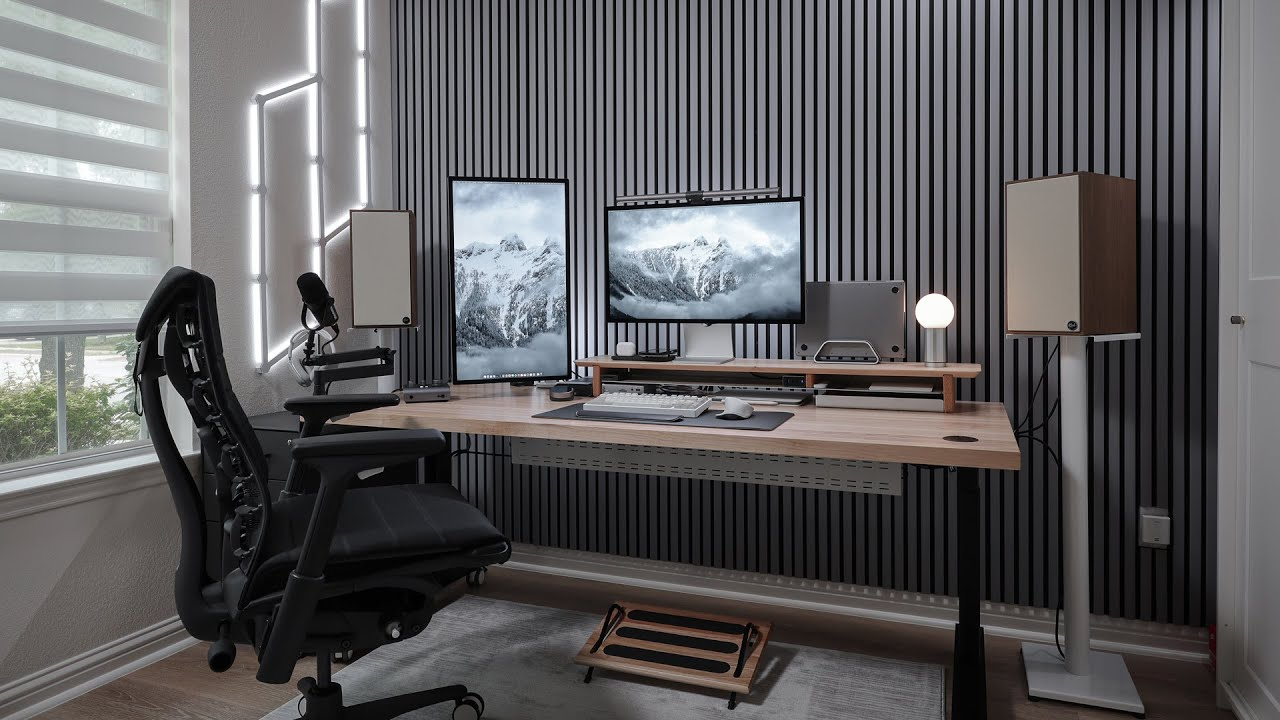
You don’t need to replace your entire desk to start standing while you work. A riser desk sits on top of what you already have and lets you switch between sitting and standing in seconds. Here’s everything worth knowing before you buy one.
There’s a reason the standing desk trend never died.
It’s not because standing burns dramatically more calories than sitting. It doesn’t, the difference is roughly 8–10 calories per hour, which is basically half a cracker. Nobody is losing weight by standing at their desk.
It’s because of how you feel at 3 PM.
Sit in the same position for six hours straight, and by mid-afternoon your back aches, your energy craters, and your brain feels like it’s wading through fog. Alternate between sitting and standing throughout the day, even just 15 minutes of standing for every 45 minutes of sitting, and that afternoon crash either disappears entirely or arrives much later and much lighter.
That’s the real value of standing while you work. Not fitness. Energy.
But here’s the problem most people run into: a full standing desk costs $400–$1,200, requires assembly, and means replacing a desk you might actually like. If you’ve spent time and money setting up a home office you’re happy with, tearing it apart to install a motorized frame doesn’t feel like an upgrade. It feels like a renovation.
A riser desk solves that problem.
What Is a Riser Desk?
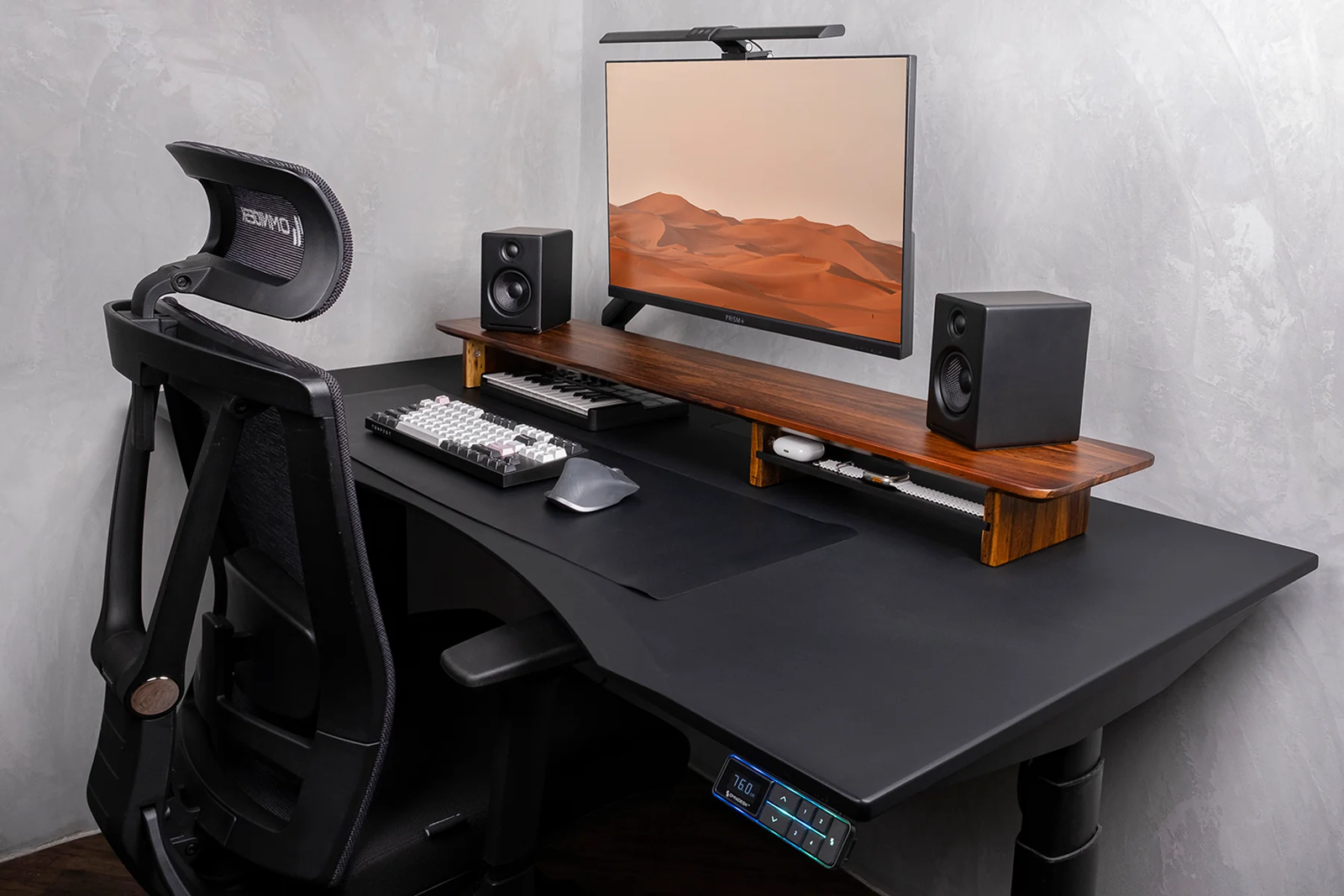
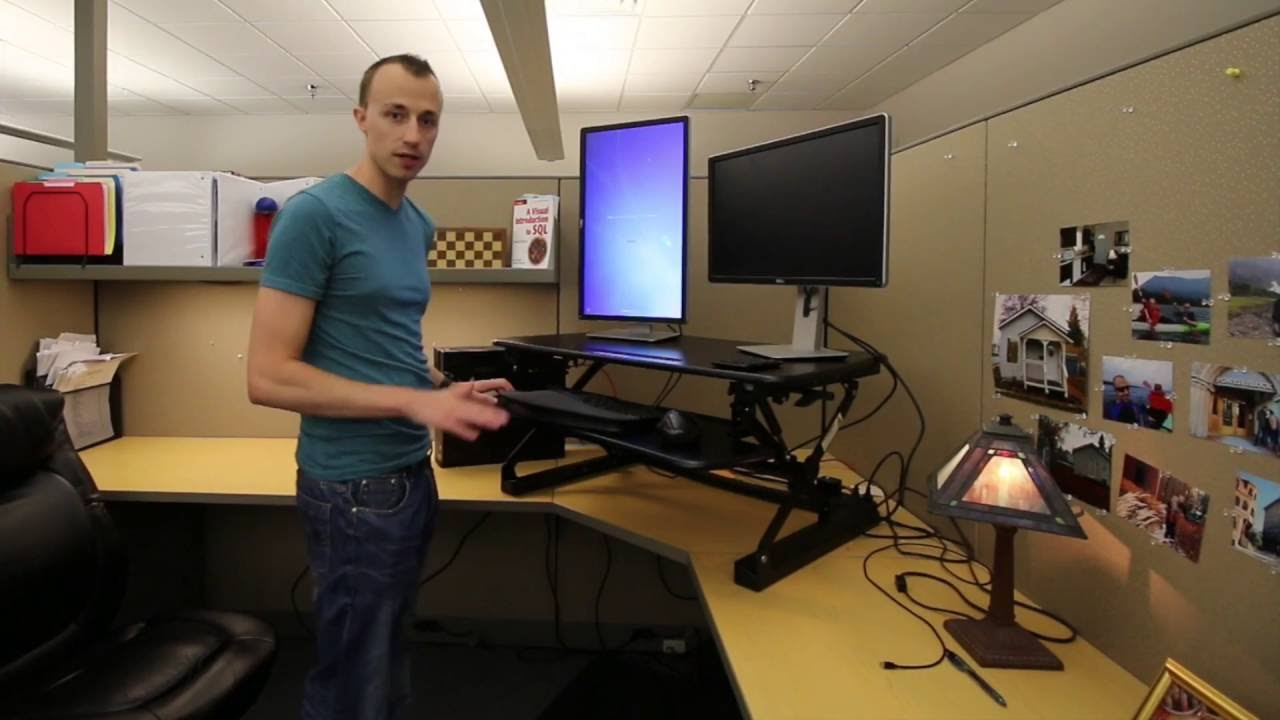
A riser desk, also called a desk riser, standing desk converter, or sit-stand converter, is an adjustable platform that sits on top of your existing desk. You place your monitor, keyboard, and mouse on it, and when you want to stand, you lift the platform to the height that puts your screen at eye level and your arms at a comfortable typing angle.
When you want to sit back down, you lower it.
That’s it. No tools. No assembly beyond unboxing. No replacing your furniture.
The platform lifts using one of three mechanisms: a gas spring (you squeeze a handle and the pneumatic assist lifts the platform smoothly), an electric motor (you press a button), or a manual lock (you physically lift and lock it into position at preset heights).
Most riser desks have two tiers, an upper platform for your monitor and a lower shelf for your keyboard and mouse. This two-tier design is important because proper ergonomics require your screen to be higher than your keyboard. If everything sits on the same flat surface while you’re standing, either your screen is too low or your keyboard is too high.
Why a Riser Desk Instead of a Standing Desk?
Both solve the same problem: letting you alternate between sitting and standing. The difference is how much of your existing setup you’re willing to change.
| Riser Desk | Full Standing Desk | |
| Cost | $100–$500 | $400–$1,200+ |
| Installation | None, sits on your existing desk | Full assembly, replace existing desk |
| Space | Uses your current desk footprint | Requires its own footprint |
| Portability | Can be moved or removed | Permanent fixture |
| Aesthetics | Adds a platform to your desk | Clean, integrated look |
| Stability | Good, but wobble can occur at max height | Excellent, frame is purpose-built |
| Best for | People who like their current desk | People building a new setup from scratch |
If you’re building a home office from nothing, a full standing desk is the cleaner choice. If you already have a desk you like, especially a nice wooden desk, an antique, or a built-in, a riser desk gives you sit-stand functionality without replacing it.
How to Choose the Right Riser Desk
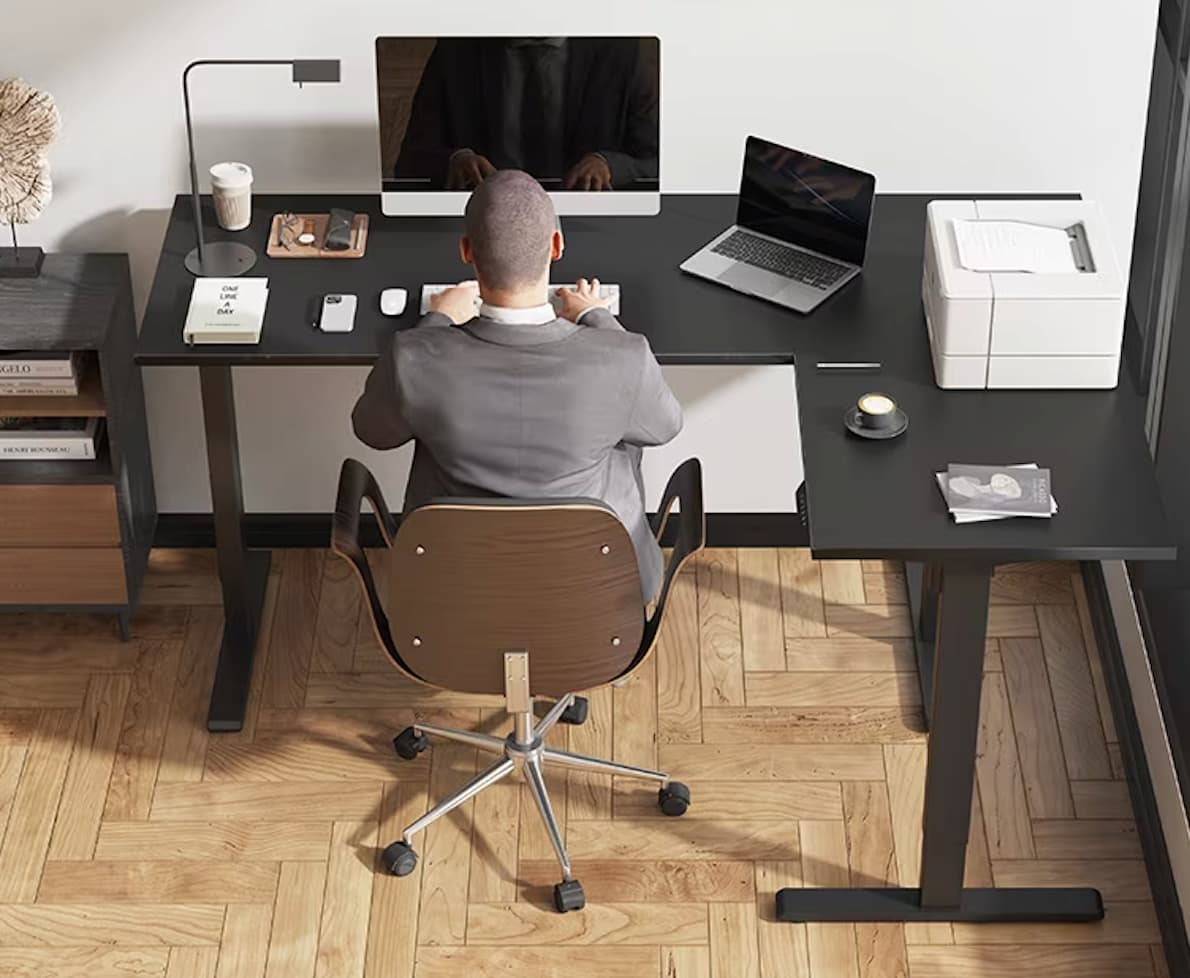
Not all riser desks are equal. The difference between a $100 model and a $400 model is not just brand prestige, it’s stability, lifting capacity, ergonomic design, and how long the mechanism lasts before it starts sagging or sticking.
Here’s what actually matters.
1. Stability at Standing Height
This is the most important factor and the hardest to evaluate without using the product.
A riser desk that wobbles while you type is worse than no riser desk at all. The wobble is distracting, fatiguing, and makes precision work (design, spreadsheets, writing) unnecessarily frustrating.
Gas-spring and electric models tend to be more stable than manual-lock models. Wider bases are more stable than narrow ones. And heavier models, counterintuitively, tend to be more stable because the weight dampens vibration.
If you can try a riser desk in person before buying, type on it at full standing height. If the screen shakes, pass.
2. Height Range
Your ideal standing height depends on your own height. Most riser desks adjust between 6 and 20 inches above the desk surface. For reference:
-
- If you’re 5’4″ to 5’8″, you’ll typically need 12–16 inches of lift
- If you’re 5’9″ to 6’0″, you’ll need 15–18 inches
- If you’re over 6’0″, look for models with 18–22 inches of lift
The most common complaint from tall users is that the riser doesn’t go high enough. Check the maximum height specification before buying and compare it to your standing elbow height.
3. Surface Area
You need enough room for your equipment. A single monitor and keyboard needs at least 26 inches of width. Dual monitors need 32–36 inches. A laptop plus an external monitor needs 30–36 inches.
Measure your monitor setup before buying and compare it to the riser’s platform dimensions. A riser desk that’s too narrow forces you to compromise on screen placement, which defeats the ergonomic purpose.
4. Lifting Mechanism
Gas spring (pneumatic): Squeeze a handle, the platform rises smoothly. Release the handle, it locks. Most reliable, most common, no power required. Recommended for most people.
Electric motor: Press a button, the platform adjusts. Smoother than gas springs, allows precise height memory presets, but costs more and requires a power outlet near your desk.
Manual: Physically lift and lock into preset height slots. Cheapest option. Also the most annoying to use multiple times per day, which means you’re less likely to actually alternate between sitting and standing.
5. Weight Capacity
Riser desks are rated for the weight they can smoothly lift. A standard single monitor plus keyboard and mouse weighs approximately 15–20 pounds. Dual monitors plus peripherals can reach 25–35 pounds. An ultrawide monitor on an arm can be 20–30 pounds by itself.
Check the weight capacity and make sure it exceeds your actual equipment load by at least 5 pounds. An overloaded riser desk strains the lifting mechanism and creates instability at standing height.
The Best Riser Desks Worth Considering in 2026
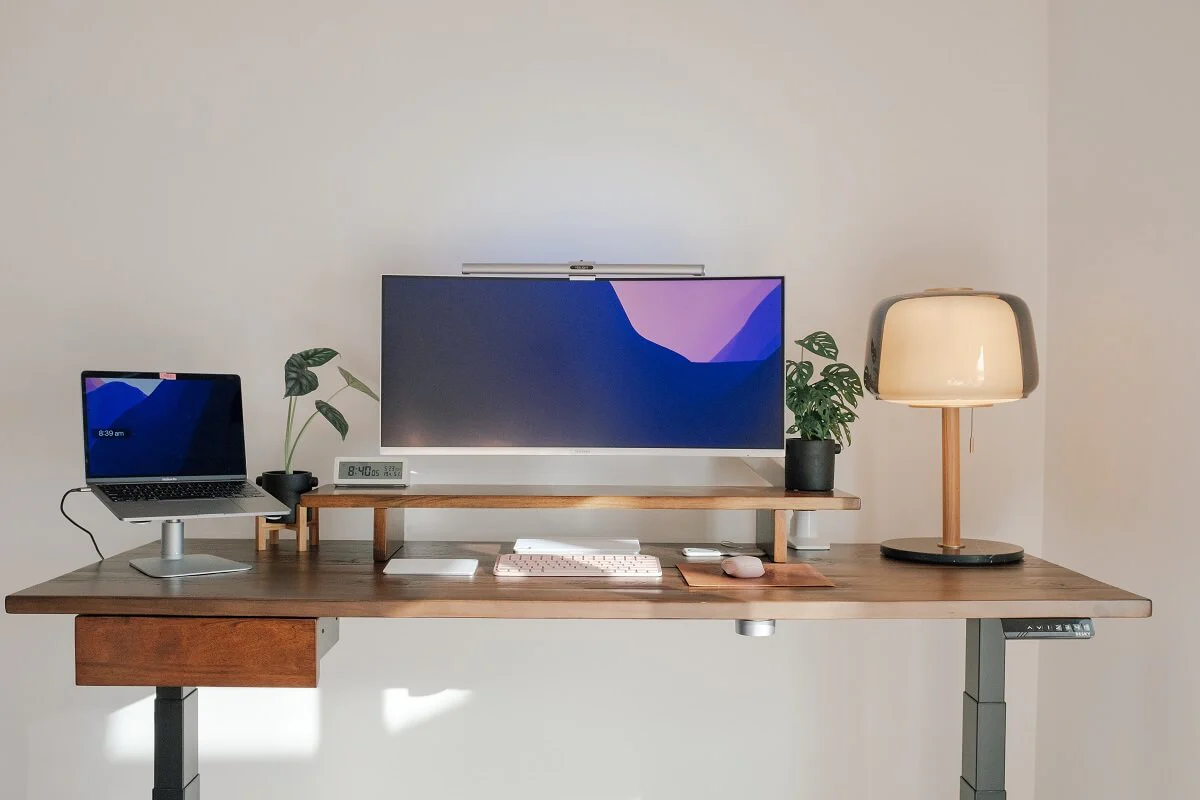
This is not a “top 10 best” list. These are four genuinely different options that cover the four most common buying scenarios.
For Most People: FlexiSpot M2
Gas-spring pneumatic lift. 35-inch wide platform. Two-tier design with keyboard tray. Adjusts from 4.7 to 19.7 inches. Supports up to 33 pounds. Around $250–$300.
The FlexiSpot M2 is the most frequently recommended riser desk for a reason, it hits the middle of every important dimension without a significant weakness. The platform is wide enough for dual 24-inch monitors. The height range works for most body types. The gas spring is smooth and durable. And the price is reasonable for the quality.
For Budget Buyers: Vivo K-Series 32″
Pneumatic gas spring. 32-inch platform. Two-tier with keyboard tray. X-frame design that moves straight up and down. Around $130–$180.
The best value in the category. The steel X-frame is surprisingly stable for the price. Six sizes and multiple colors available. The 32-inch version is the sweet spot for a single monitor plus laptop side-by-side.
For Tight Spaces: CHANGEdesk Mini
Compact design specifically for small desks and laptops. Minimal footprint. Portable. Manual adjustment. Under $100.
If your desk is under 40 inches wide or you work primarily on a laptop, full-size riser desks are overkill. The CHANGEdesk Mini gives you the sit-stand option without dominating a small workspace.
For Premium Setups: VariDesk Pro Plus 36 Electric
Electric motor with memory presets. 36-inch platform. Drop-down keyboard tray. Supports up to 110 pounds. Around $500–$600.
The electric motor makes height adjustment effortless, one button press instead of squeezing a handle. Memory presets let you save your exact sitting and standing heights. The 110-pound capacity handles triple-monitor setups without strain. This is the riser desk for someone who’s already invested in a premium home office and wants the best converter available.
How to Set Up a Riser Desk Correctly
The number one reason people stop using standing desk converters is not that standing doesn’t help. It’s that they set the height wrong, developed neck or shoulder pain, and concluded the product was the problem.
The product wasn’t the problem. The ergonomics were.
Standing Position
Monitor: The top of your screen should be at or slightly below eye level. You should look straight ahead or slightly downward, never up. If you’re looking up at your monitor, the riser isn’t high enough or your monitor needs to come down.
Keyboard and mouse: Your elbows should be at 90–100 degrees, with your forearms roughly parallel to the floor. Your wrists should be straight, not bent upward or downward. This is why the two-tier design matters. If your keyboard is on the same platform as your monitor, it’s almost impossible to get both at the right height simultaneously.
Posture: Stand with your weight evenly distributed. Don’t lock your knees. Shift your weight periodically. An anti-fatigue mat under your feet makes a noticeable difference in comfort during standing sessions.
Sitting Position
When you lower the riser desk, your monitor should still be at or near eye level. If the riser desk’s collapsed height is too tall, adding 4–5 inches to your seated monitor position, your screen may be uncomfortably high while seated. Check the collapsed height specification before purchasing if this is a concern.
The Sit-Stand Rhythm
This is where most people overcorrect. Standing for eight hours straight is not the goal. It’s as bad for you as sitting for eight hours straight.
The research-supported rhythm: stand for 15–30 minutes after every 45–60 minutes of sitting. If that feels like too much, start with 10 minutes of standing per hour and increase gradually.
The goal is movement, not endurance. Standing is better than sitting not because standing is inherently superior, but because switching positions prevents the cumulative strain that any single static posture creates over hours.
Common Mistakes to Avoid
Buying based on price alone. The cheapest riser desks wobble, sag, and break within months. The mechanism wears out. The platform warps. Spend $130 minimum for a gas-spring model that will last years.
Setting the height wrong. If your monitor is too low while standing, you’ll develop neck pain. If your keyboard is too high, you’ll develop shoulder strain. Take five minutes to adjust the height correctly using the ergonomic guidelines above. It’s the difference between using the riser desk for years and abandoning it after two weeks.
Standing too long. Standing for hours without sitting isn’t healthy either. The value is in alternating. Set a timer if you need to, most phones have a simple interval timer that can remind you to switch positions.
Ignoring the footwear problem. Standing at a desk in socks on a hard floor gets uncomfortable fast. An anti-fatigue mat ($20–$40) is the most underrated accessory in the standing desk category. It makes standing sessions noticeably more comfortable and reduces leg fatigue.
Forgetting about cable management. Your monitor, keyboard, and mouse cables need slack to accommodate the riser moving up and down. If the cables are taut, raising the riser can pull cables from ports or drag peripherals off the desk. Leave enough cable length for the full height range plus a few extra inches.
Frequently Asked Questions
What is a riser desk?
A riser desk is an adjustable platform that sits on top of your existing desk and lets you switch between sitting and standing while working. You place your monitor and keyboard on it, and raise or lower the platform using a gas spring, electric motor, or manual lock. It gives you sit-stand functionality without replacing your desk.
How much does a riser desk cost?
$100–$600 depending on size, mechanism, and quality. Gas-spring models run $130–$350. Electric models with memory presets run $400–$600. Budget models under $100 exist but often lack stability and durability.
Is a riser desk better than a standing desk?
Neither is universally better. A riser desk works on top of your existing desk, ideal if you like your current setup. A full standing desk replaces your desk entirely, cleaner look, better stability, but higher cost and more commitment. Choose based on whether you want to keep or replace your current desk.
Does standing at a desk help with back pain?
For many people, yes, but not because standing is inherently better. The benefit comes from alternating positions throughout the day, which reduces the cumulative stress that any single static posture creates. Standing 15–30 minutes per hour is the research-supported rhythm.
How tall should a riser desk go?
That depends on your height. Most people between 5’4″ and 6’0″ need 12–18 inches of lift. Users over 6’0″ should look for models with 18–22 inches of maximum height. Check your standing elbow height and compare it to the riser’s maximum.
Do riser desks wobble?
Some do, especially cheap ones at maximum height. Quality gas-spring and electric models from FlexiSpot, VariDesk, and Vivo are stable enough for comfortable typing. Before buying, check user reviews specifically mentioning stability at standing height.
Final Thought
A riser desk is one of those rare purchases where the value becomes obvious within the first week.
You set it up. You try standing for 15 minutes mid-morning. You sit back down. You stand again after lunch, right when the afternoon fog usually hits. And the fog doesn’t come. Or it comes lighter and later.
That’s worth $150–$300. Not because of fitness math or calorie calculations. Because how you feel at 3 PM determines whether the back half of your workday is productive or wasted.
If you like your current desk and don’t want to replace it, a riser desk is the simplest, most cost-effective upgrade you can make to your home office in 2026.
Try it for a week. You’ll know.