Key Takeaways
-
Essential insights: Finding the perfect CRM does not require a massive enterprise budget.
-
Smarter scaling: Modern cloud-based systems grow with your business, from launch to maturity.
-
Core priorities: Prioritize easy setups, clear visual pipelines, and automated contact logging.
-
The winner: The right tool is simply the one your team uses consistently every day.
Have you ever felt like your customer details are scattered across a million different sticky notes, spreadsheets, and random email threads? You are definitely not alone. When you are running a small team, keeping track of every single conversation, follow-up, and deal can feel like trying to herd cats.
That is exactly why finding the right customer relationship management (CRM) tool is a complete game-changer.
But with so many options out there, how do you choose? Today, we are breaking down the 25 CRM Software for Small Businesses so you can stop guessing and start growing. Whether you need a simple sales CRM software, a robust cloud-based CRM, or the best CRM for startups to launch your dream, we have got you covered.
AI Overview
Running a small business means wearing multiple hats, and managing client relationships manually is a recipe for missed opportunities. This comprehensive guide compares the top 25 CRM Software for Small Businesses in 2026, highlighting affordable CRM tools, specialized sales CRM software, and the best CRM for startups. Streamline your sales pipelines, centralize customer data, and scale your operations effortlessly with the perfect cloud-based CRM suited for your budget.
Why Your Small Business Needs a CRM

Before we dive into our master list of the 25 CRM Software for Small Businesses, let’s talk about why this actually matters for your daily routine.
Using a dedicated cloud-based CRM does more than just store phone numbers. It aligns your sales, marketing, and support into a single source of truth. When everyone on your team can see exactly when a client was last contacted and what they talked about, magic happens. You save time, avoid embarrassing double-emails, and close deals much faster.
At PraviCeler, we believe that great technology should work for you, not make your life harder. That is why we love affordable CRM tools that focus on simplicity rather than complex, bloated features you will never use.
The Best 25 CRM Software for Small Businesses
To help you find your perfect match, we have categorized these 25 incredible platforms based on what they do best. Let’s find your next growth engine!
1. HubSpot CRM
-
Best for: Inbound-heavy early teams and startups wanting a free starting point.
-
Why it’s great: HubSpot offers one of the most generous free plans on the market today. It makes tracking contacts, scheduling meetings, and sending basic email campaigns incredibly easy.
-
The catch: While it is the best CRM for startups on a tight budget, upgrading to paid tiers can get quite expensive as your contact list grows.
2. Zoho CRM
-
Best for: All-round value and deep customization on a budget.
-
Why it’s great: Zoho is a highly versatile cloud-based CRM that scales beautifully. It features automation, AI-driven assistant tools, and seamless integration with the massive Zoho ecosystem.
-
The catch: Setup and deep customization can take a little time to master.
3. Salesforce Starter Suite
-
Best for: Growth-focused businesses planning to scale fast.
-
Why it’s great: This is Salesforce’s answer to the small business market. It packages their legendary contact management and pipeline tools into an easy, simplified dashboard starting at an accessible price point.
-
The catch: There is no free-forever plan, so you must be ready to invest from day one.
4. Pipedrive
-
Best for: Visual, active sales-driven teams.
-
Why it’s great: If you want a pure, highly visual sales CRM software, Pipedrive is a masterpiece. Its drag-and-drop deal pipelines let you see exactly where every prospect stands in seconds.
-
The catch: It is heavily focused on sales pipelines and lacks deep native marketing automation tools.
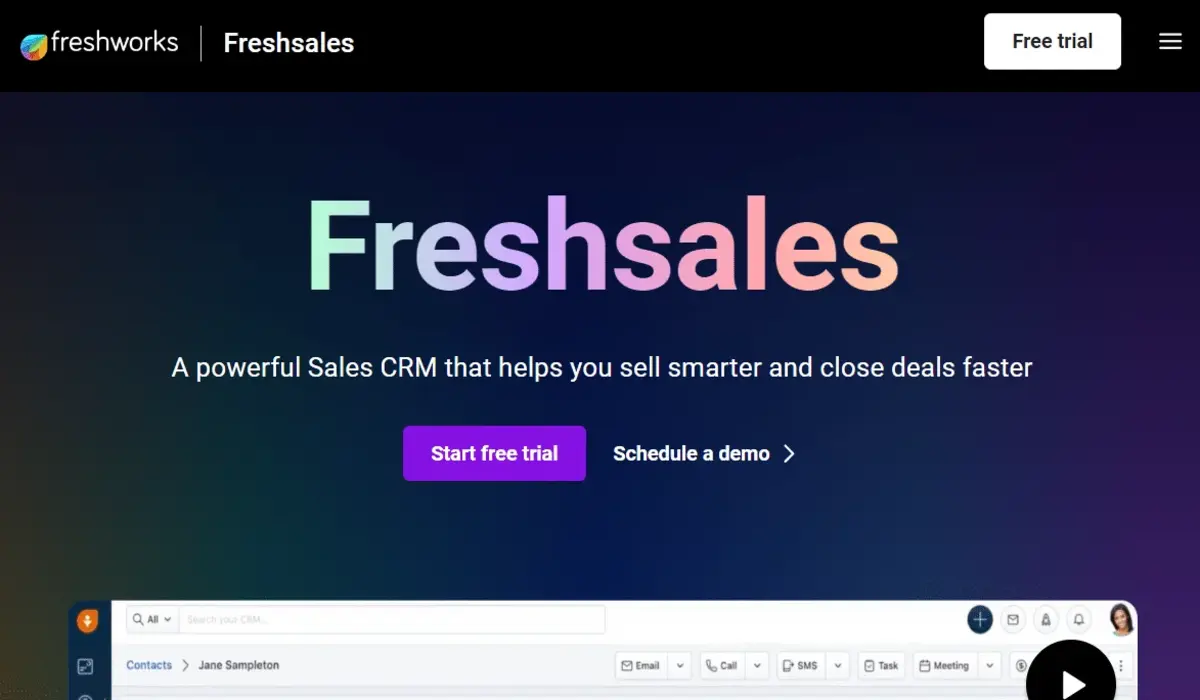
5. Freshsales
-
Best for: Multichannel engagement and AI contact insights.
-
Why it’s great: Part of the Freshworks family, this is one of the most affordable CRM tools with modern AI forecasting. It combines phone, email, and chat into one beautiful screen.
-
The catch: Many of the most advanced lead generation tools require upgrading to their highest-tier plans.
At a Glance: Top 5 CRM Comparison
| CRM Tool | Best For | Free Tier? | Starting Price (Estimated) |
| HubSpot CRM | Inbound Marketing | Yes (Generous) | Free / Upgrade from $15/mo |
| Zoho CRM | All-Round Value | Yes (Up to 3 users) | $14 to $20 per user/mo |
| Salesforce Starter | Rapid Scaling | No | $25 per user/mo |
| Pipedrive | Pipeline Tracking | No (Free trial) | $14 to $18 per user/mo |
| Freshsales | Multichannel Sales | Yes (Basic) | $9 per user/mo |
6. Monday Sales CRM
-
Best for: Teams who love visual project boards.
-
Why it’s great: Highly customizable and beautiful. If you already use Monday.com for project management, this is a natural, seamless transition.
-
The catch: It requires a minimum seat count, which can sometimes push costs up for solo founders.
7. Capsule CRM
-
Best for: Simple, no-nonsense contact and task tracking.
-
Why it’s great: Capsule keeps things elegantly basic. It is designed to be learned in minutes, offering great integrations with G Suite, Xero, and Mailchimp.
-
The catch: Larger teams might find the reporting and deep automation a bit too lightweight.
8. Keap (Formerly Infusionsoft)
-
Best for: E-commerce and advanced email marketing automation.
-
Why it’s great: Keap is a powerhouse that combines CRM, invoicing, and complex marketing automation under one roof.
-
The catch: The learning curve is quite steep, and it is on the higher end of the pricing spectrum.
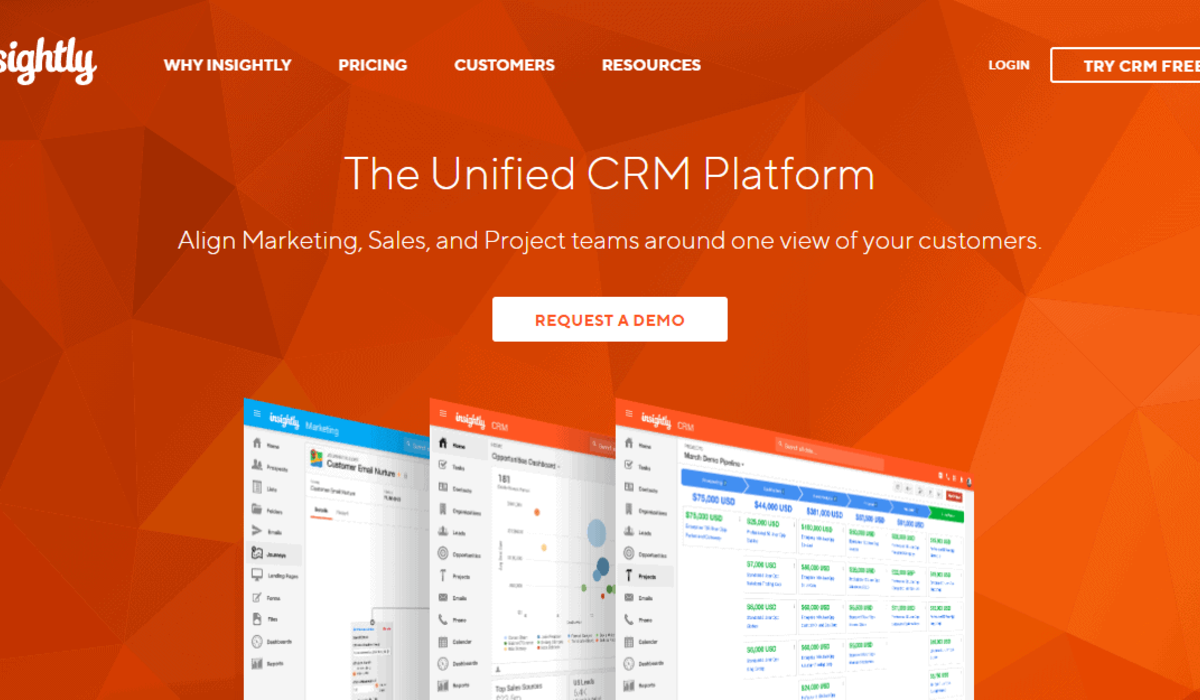
9. Insightly
-
Best for: Service-based agencies and project delivery.
-
Why it’s great: It perfectly bridges the gap between sales CRM software and project management. Once a deal closes, you can transition it directly into a project delivery board.
-
The catch: Built-in telephony and advanced features often cost extra.
10. Close
-
Best for: Inside sales teams doing heavy cold outreach.
-
Why it’s great: It features built-in calling, SMS, and email sequencing directly from the platform. It is designed to maximize the time sales reps spend actually talking to prospects.
-
The catch: It is highly focused on outbound sales, making it less ideal for passive inbound operations.
11. Apptivo
-
Best for: Highly customizable modules and administrative tasks.
-
Why it’s great: It splits its features into modules, meaning you only pay for and see the tools you actually need (like invoicing or logistics).
-
The catch: The user interface can feel a bit dated compared to sleeker modern tools.
12. Streak (for Gmail)
-
Best for: Solopreneurs who live inside their Gmail inbox.
-
Why it’s great: Streak turns your actual Gmail inbox into a fully functional visual CRM. No external apps, no browser switching.
-
The catch: If you plan to move away from Google Workspace, Streak won’t work for you.
13. Less Annoying CRM
-
Best for: True beginners and ultra-small teams.
-
Why it’s great: True to its name, this cloud-based CRM strips away all the confusing jargon and complicated settings. It offers simple pricing, great support, and a very friendly interface.
-
The catch: It lacks advanced AI and automated marketing triggers.
14. Nimble
-
Best for: Social media prospecting and contact enrichment.
-
Why it’s great: Nimble automatically pulls public social profiles and details for your contacts, giving you immediate context before a call.
-
The catch: The email marketing features are relatively basic compared to dedicated platforms.
15. Agile CRM
-
Best for: All-in-one sales, marketing, and service automation.
-
Why it’s great: It packs an incredible number of features, including landing page builders, web pop-ups, and telephony, into an affordable CRM tools pricing model.
-
The catch: With so many features, the platform can occasionally feel slightly cluttered.
16. Copper
-
Best for: Google Workspace power users who want zero friction.
-
Why it’s great: Built specifically for Google, it automatically syncs your emails, calendar events, and contacts in the background without manual data entry.
-
The catch: It does not offer native integrations with Microsoft-based setups.
17. OnePageCRM
-
Best for: Action-oriented, solo sales reps.
-
Why it’s great: It turns your database into a clean, simple to-do list. Every contact must have a “Next Action” assigned, ensuring no lead is ever forgotten.
-
The catch: Not designed for complex marketing workflows or deep service ticketing.
18. ActiveCampaign
-
Best for: Startups focused on complex email marketing automation.
-
Why it’s great: Highly regarded for its automation builder. It lets you create complex, behavior-triggered email sequences based on real-time CRM data.
-
The catch: The CRM portion can feel secondary compared to its powerful marketing features.
19. BigContacts
-
Best for: Simple contact management and detailed meeting history.
-
Why it’s great: It is incredibly straightforward. It focuses heavily on keeping pristine notes, tracking tasks, and generating simple reports.
-
The catch: It lacks visual drag-and-drop pipeline boards.
20. Nutshell
-
Best for: Collaborative, small-to-midsize teams.
-
Why it’s great: Offers great out-of-the-box reporting, visual pipelines, and automated sales sequences that are very easy to set up.
-
The catch: Fewer third-party integrations compared to heavyweights like HubSpot.
21. Zendesk Sell
-
Best for: Teams already utilizing Zendesk for customer support.
-
Why it’s great: It offers a beautifully integrated experience where your sales team and support team can view the exact same customer profiles and histories.
-
The catch: Can become expensive if you do not already use the Zendesk support ecosystem.
22. Vtiger CRM
-
Best for: Open-source customization and unified customer views.
-
Why it’s great: An affordable, all-in-one platform featuring built-in help desk, contact scoring, and project tracking tools.
-
The catch: The interface can take some time to customize and navigate smoothly.
23. Flowlu
-
Best for: Financial tracking and project-heavy small businesses.
-
Why it’s great: Flowlu beautifully combines cloud-based CRM pipelines with invoicing, agile project management, and task collaboration.
-
The catch: Might feel like overkill if you just want to track simple email conversations.
24. HighLevel (GoHighLevel)
-
Best for: Marketing agencies and local service providers.
-
Why it’s great: It is an incredibly comprehensive “all-in-one” platform that replaces tools for landing pages, SMS automation, reviews, and pipelines.
-
The catch: Can feel incredibly overwhelming for a beginner due to the sheer volume of settings.
25. Baserow
-
Best for: Non-technical founders wanting to build a custom database.
-
Why it’s great: It is a flexible, open-source, no-code platform. You can structure your fields, pipelines, and tables exactly how your business works.
-
The catch: It requires you to design your own workflows and logic from scratch.
Key Features to Look For in a Small Business CRM
Now that we have looked at the 25 CRM Software for Small Businesses, how do you pick the perfect one for your unique setup? Generally, you do not need every bells and whistles. Based on available data, small teams succeed most when they focus on these core features:
-
Ease of Use: If a tool is too hard to understand, your team simply won’t use it.
-
Visual Pipelines: Look for drag-and-drop boards that show you your sales funnel clearly.
-
Contact History: Every email, call, and note should live in one central location.
-
Integrations: Make sure the software connects to your email, calendar, and accounting tools.
Choosing a platform that scales smoothly prevents the nightmare of having to migrate your data later on. Here at PraviCeler, we always recommend starting simple, getting your processes down, and upgrading your tools as your revenue climbs.
Finding Your Perfect Match
Finding the best tool among these 25 CRM Software for Small Businesses doesn’t have to be a stressful chore. The secret is to avoid overpaying for massive enterprise features that you will never use. Focus on a clear sales CRM software that your team actually enjoys using every single day.
Take advantage of free trials, map out a simple pipeline that matches how you sell, and watch your customer relationships thrive. Ready to streamline your operations? Pravi Celer is always here to help you navigate your growth journey with clarity and ease. Let’s make managing your business fun again!
Frequently Asked Questions
Which CRM is best for a complete beginner?
Less Annoying CRM and HubSpot are generally considered the best CRM for startups and beginners due to their clean interfaces, straightforward layouts, and excellent guided onboarding processes.
Do I really need a paid CRM as a startup?
No, in most cases, solo founders and small teams can easily start with free tiers like HubSpot or Zoho to manage early leads before upgrading.
Can a CRM help me send marketing emails?
Yes, many cloud-based CRM systems, such as Zoho, Agile, and HubSpot, offer built-in email marketing tools to send newsletters and track client opens.
What is the average price of small business CRM?
Estimated prices range from $10 to $35 per user monthly for basic tiers, making them highly affordable CRM tools for growing companies.